
How to Add Amazon Music on Android Auto?

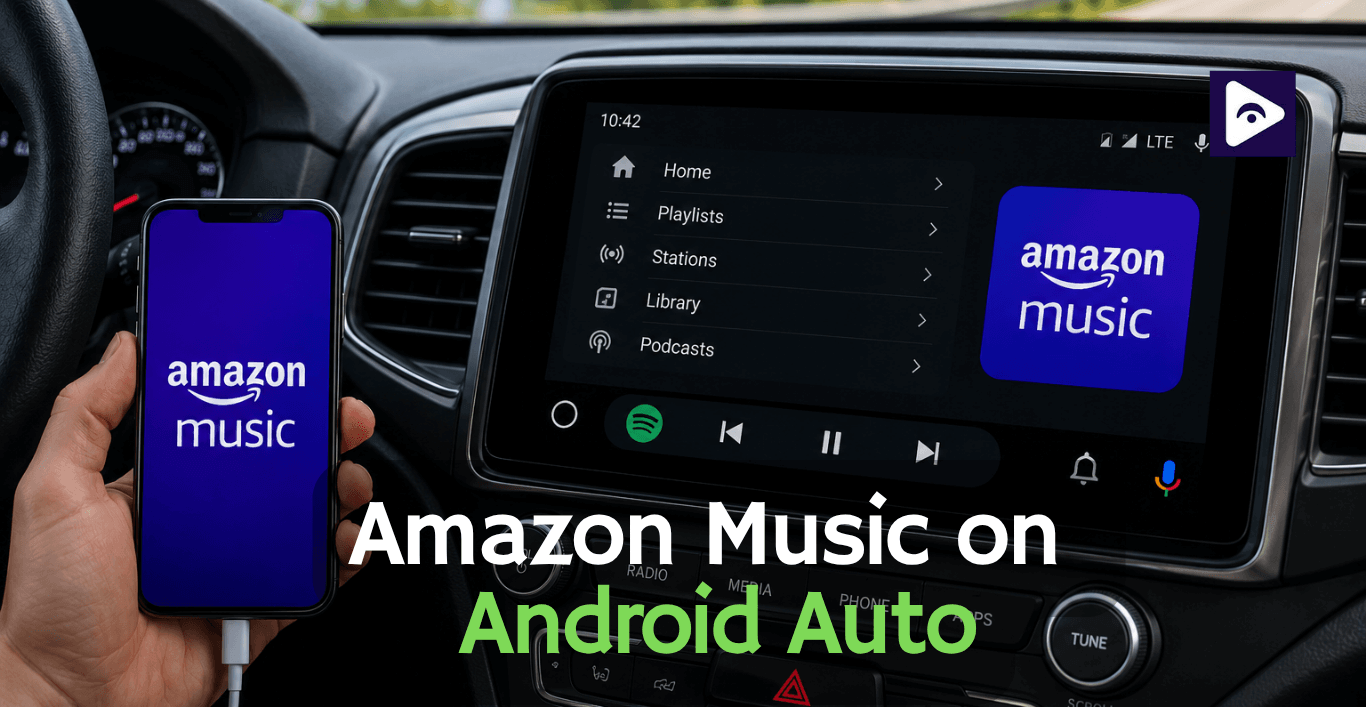
If you already have Amazon Music on your phone then it is very simple to connect Amazon Music to Android Auto. You can look at your playlists, play the songs you downloaded from Amazon Music and control the music playback, with Google Assistant all while keeping your hands on the wheel and using Amazon Music.
People often think they need to install a version of Amazon Music for Android Auto but that's not true. The Android Auto system can automatically find music apps like Amazon Music that're already on your phone. If Amazon Music does not show up or is not working right you can usually fix it with a simple setting.
This guide will walk you through setting up Amazon Music with Android Auto, explain problems and show how Fermata Auto can give you more options for playing media.
Can You Use Amazon Music on Android Auto?
Yes. Amazon Music works with Android Auto and supports:
- Amazon Music Free
- Amazon Prime Music
- Amazon Music Unlimited
- Amazon Music HD
After connecting your Android phone to Android Auto, you can:
- Play your library.
- Listen to playlists.
- Resume recently played music.
- Skip tracks.
- Shuffle albums.
- Use Google Assistant voice commands.
No additional Android Auto version needs to be downloaded.
How to Add Amazon Music to Android Auto
Step 1 : Install Amazon Music
Download the latest version from Google Play.
Sign in using your Amazon account.
Step 2 : Update Android Auto
Older Android Auto versions sometimes don't recognize newer music apps.
Updating both Android Auto and Amazon Music helps avoid compatibility issues.
Step 3 : Connect Your Phone
Connect using:
- USB cable
- Wireless Android Auto (if your vehicle supports it)
Wait until Android Auto finishes loading.
Step 4 : Open the Music App
Tap the Music icon.
If multiple music apps are installed, choose Amazon Music.
The app should now appear on your car display.
Step 5 : Start Listening
You can now:
- Browse playlists
- Play albums
- Continue recent music
- Shuffle songs
- Skip tracks
Everything syncs with your Amazon Music account.
How to Use Amazon Music with Android Auto
Once connected, Android Auto simplifies playback while driving.
You can:
Browse playlists
Choose playlists you've already created.
Play downloaded music
Offline downloads work without mobile data.
Continue listening
Playback resumes from your phone.
Use steering wheel controls
Most vehicles support:
- Pause
- Play
- Skip
without touching the screen.
Use Google Assistant with Amazon Music
Voice control makes Amazon Music much safer while driving.
Examples:
"Play my Road Trip playlist."
"Play Taylor Swift on Amazon Music."
"Skip this song."
"Pause music."
Google Assistant can also search artists, albums and playlists.
Listen Offline with Amazon Music
If you're traveling through areas with weak reception, download music before leaving.
Open Amazon Music.
Download:
- Albums
- Playlists
- Podcasts
Android Auto automatically plays downloaded music when the internet becomes unavailable.
Common issues and Fixes Amazon Music on Android Auto
Amazon Music Not Showing in Android Auto?
This is one of the most common issues.
Check app permissions
Allow:
- Notifications
- Storage
- Background activity
Update Amazon Music
An outdated version may not appear.
Restart Android Auto
Disconnect your phone.
Reconnect after restarting.
Update Android
Sometimes Android system updates can fix problems with things not working
Disable Battery Optimization
Some phones will not let Amazon Music keep playing when it is, in the background.
Exclude Amazon Music from battery optimization.
Amazon Music Not Working on Android Auto?
Common causes include:
Poor USB cable
Use a high-quality data cable.
Wireless connection issues
Reconnect Bluetooth and Wi-Fi.
Internet problems
Streaming requires a stable connection.
Corrupted cache
Clear the Amazon Music app cache.
App conflicts
Temporarily disable other music apps to test.
What Features Work in Android Auto?
| Feature | Available on Android Auto |
|---|---|
| Stream music online | ✅ Yes |
| Play downloaded offline music | ✅ Yes |
| Access playlists | ✅ Yes |
| Play albums and songs | ✅ Yes |
| Amazon Music Unlimited support | ✅ Yes |
| Amazon Prime Music support | ✅ Yes |
| Amazon Music HD streaming | ✅ Yes |
| Google Assistant voice commands | ✅ Yes |
| Steering wheel media controls | ✅ Yes (Vehicle dependent) |
| Resume previous playback | ✅ Yes |
| Shuffle and repeat | ✅ Yes |
| Browse saved library | ✅ Yes |
| Watch videos | ❌ No |
| YouTube playback | ❌ No |
For users who only want to stream music, Amazon Music provides everything needed for Android Auto. If you also want to play local videos, watch YouTube while parked, or access media from USB drives and network storage, Fermata Auto offers additional media playback features beyond what the official Amazon Music app supports.
Want More Than Music? Try Fermata Auto
Amazon Music works well for streaming songs but Android Auto limits what official media apps can do. If you want to play videos while your vehicle is parked, stream content from additional sources, or access local media files in one place, Fermata Auto offers a more flexible experience.
With Fermata Auto, you can:
- Watch YouTube videos when parked.
- Play movies stored on your phone or USB drive.
- Stream IPTV channels.
- Access network folders and cloud media.
- Organize music and videos in one easy to use interface.
Many Android Auto users keep Amazon Music as their primary music app while using Fermata Auto for video playback and other entertainment during charging stops, road trip breaks or while waiting in the car.
If you're looking for more than just music playback, Fermata Auto is a practical companion to Android Auto.
Amazon Music vs Fermata Auto on Android Auto
| Feature | Amazon Music | Fermata Auto |
|---|---|---|
| Official Android Auto support | ✅ Yes | ✅ Yes |
| Online music streaming | ✅ Yes | ✅ Supported sources |
| Offline music playback | ✅ Yes | ✅ Yes |
| Amazon Music playlists | ✅ Yes | ❌ No |
| Google Assistant voice control | ✅ Yes | ❌ Limited |
| Play local audio files | ❌ No | ✅ Yes |
| Play local videos | ❌ No | ✅ Yes |
| YouTube playback (while parked) | ❌ No | ✅ Yes |
| IPTV support | ❌ No | ✅ Yes |
| USB media playback | ❌ No | ✅ Yes |
| Network media (SMB/WebDAV) | ❌ No | ✅ Yes |
| Cloud storage playback | ❌ No | ✅ Yes |
| Best for | Streaming music and playlists | Complete media entertainment |
Amazon Music Alternatives for Android Auto
Spotify
Spotify is a popular music app for Android Auto. It has playlists that are made just for you, a weekly playlist with new music and lots of podcasts. If you like finding music on its own, Spotify is a good choice. It's also an alternative to Amazon Music.
YouTube Music
YouTube Music works with Android Auto. If you already pay for YouTube Premium it's an option. You can listen to songs, live performances, remixes and get music suggestions based on what you like to listen to.
Samsung Music
Samsung Music is a great choice for Samsung Galaxy users who prefer playing offline music instead of streaming. If you're unsure how to get it working in your car, check out our complete guide on Samsung Music Android Auto to learn how to add the app, fix common issues, and enjoy your music while driving.
Pandora
Pandora is different from music apps. It makes radio stations for you instead of playlists. It's a choice if you want to listen to music without picking albums or playlists yourself.
Apple Music
Apple Music is not just for iPhones. You can download the app on Android. Use it with Android Auto. You can play your playlists downloaded songs and control everything with your voice.
| Music Service | Android Auto | Offline Playback | Voice Commands | Best For |
|---|---|---|---|---|
| Amazon Music | ✅ Yes | ✅ Yes | ✅ Yes | Amazon Prime members and large music library |
| Spotify | ✅ Yes | ✅ Premium | ✅ Yes | Music discovery and personalized playlists |
| YouTube Music | ✅ Yes | ✅ Premium | ✅ Yes | Official songs, remixes, and YouTube integration |
| Apple Music | ✅ Yes | ✅ Yes | ✅ Yes | Apple Music subscribers using Android |
| Pandora | ✅ Yes | ✅ Premium | ✅ Yes | Personalized radio stations and effortless listening |
Check Full Article: Best Android Auto Apps 2026
Frequently Asked Questions on Amazon Music
- Does Amazon Music work with Android Auto?
Yes. Amazon Music works with Android Auto. You can stream music. Play playlists and control the music from your car's display.
- How do I add Amazon Music to Android Auto?
You need to install the Amazon Music app on your phone. Then connect your phone to Android Auto. After that you can select Amazon Music from the music apps on your car's screen.
- Why isn't Amazon Music showing in Android Auto?
Sometimes Amazon Music does not show up in Android Auto. This is because the Amazon Music app is old and needs to be updated. Maybe the permissions are turned off. You might need to update or restart Android Auto.
- Can I play downloaded Amazon Music offline in Android Auto?
Yes. You can play downloaded Amazon Music offline in Android Auto. If you downloaded some playlists or albums from Amazon Music you can play them in Android Auto without the internet.
- Does Amazon Music Unlimited work with Android Auto?
Yes. Amazon Music Unlimited works with Android Auto. It is the same as the Amazon Music app. You can stream music. Play playlists and use voice controls.
- Can I control Amazon Music with Google Assistant?
Yes. You can control Amazon Music with Google Assistant. You can ask Google Assistant to play artists and albums and songs and playlists while you are using Android Auto and Amazon Music.
- Can I use Amazon Music and Fermata Auto together?
Yes. Many users keep Amazon Music for streaming music and use Fermata Auto separately to play local videos, YouTube (while parked), IPTV, and other media sources.
- Is Fermata Auto a replacement for Amazon Music?
No. Fermata Auto is a media player with broader playback capabilities, while Amazon Music is designed specifically for music streaming.
- Can Fermata Auto play Amazon Music playlists directly?
No. Amazon Music playlists are managed through the official Amazon Music app. Fermata Auto is best used alongside Amazon Music rather than replacing it.
- Which is better for Android Auto: Amazon Music or Fermata Auto?
If you only want to stream music, Amazon Music is the better choice. If you also want to play local videos, YouTube (while parked), IPTV, and media from USB or network storage, Fermata Auto offers significantly more media features.
![How to Add WhatsApp on Android Auto? [2026 Guide]](/content/images/size/w600/2026/08/whatsapp.png)