
Which is the Best GPS Android Auto App for Driving?

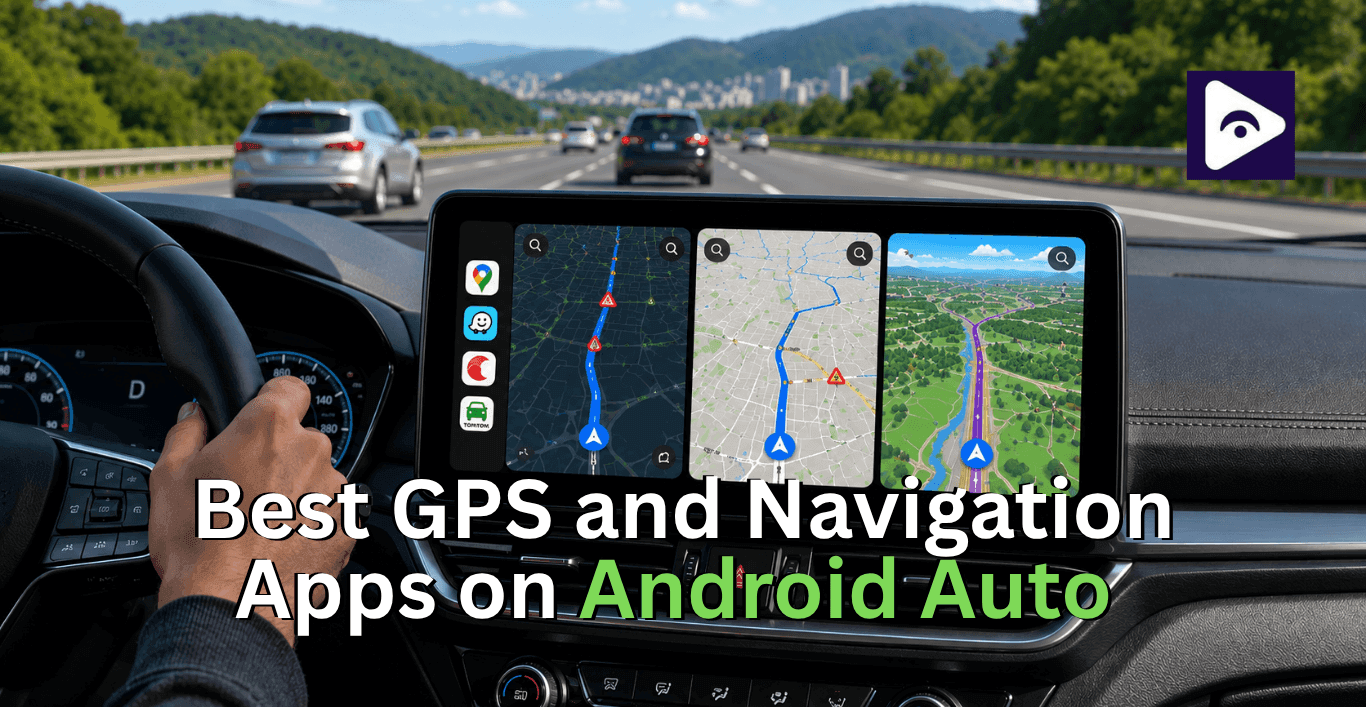
If you drive a lot, a good navigation app helps make your trips easier. The right navigation app does a lot more than just give you directions.
Android Auto offers navigation options but choosing the best one can be tricky. Some apps focus on traffic updates. Others are great for navigation. A few apps help with route planning for long trips.
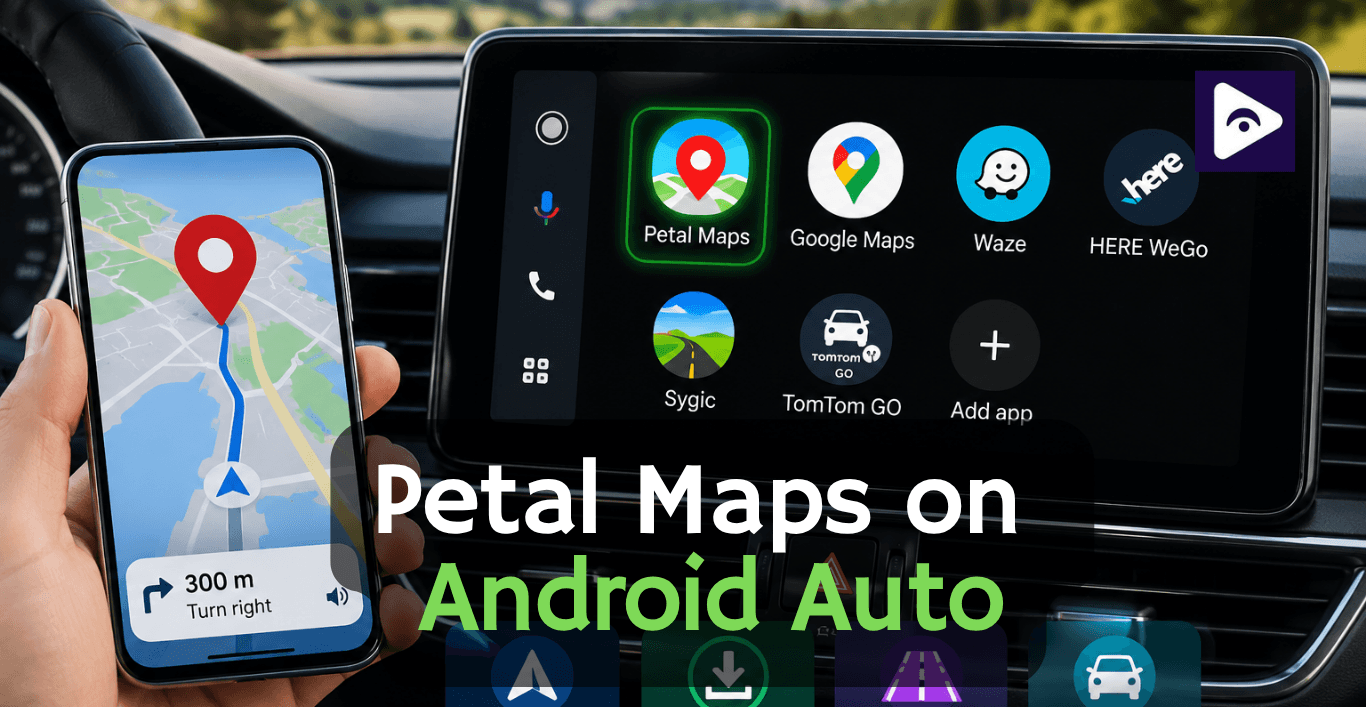
This guide compares GPS apps for Android Auto like Google Maps, Waze, Sygic, TomTom GO and HERE WeGo.
If you drive to work or deliver packages or even go on road trips this comparison will help you find the GPS app for Android Auto.
Why Use a GPS App with Android Auto?
Traditional navigation systems built into vehicles often become outdated and expensive to update.
Android Auto navigation apps offer several advantages:
- Live traffic information.
- Faster route recalculations.
- Voice guided navigation.
- Frequent map updates.
- Easy destination search.
- Integration with Google Assistant.
- Better user experience.
Most drivers today use their phones for navigation. This is because phone navigation is usually more accurate than the navigation systems built into their cars.
What Makes a Good Android Auto Navigation App?
Before comparing apps, it helps to know what actually matters during daily driving.
Accurate Navigation
The app should give directions. It should also help drivers avoid going through routes.
Real Time Traffic Updates
Traffic information is super helpful, during rush hour.
Offline Maps
Useful when traveling through rural areas with poor mobile coverage.
Speed Camera Alerts
Many drivers appreciate warnings about speed cameras and road hazards.
Voice Guidance
Clear spoken directions reduce distractions while driving.
Android Auto Compatibility
The app should work smoothly on your vehicle's display without crashes or lag.
1. Google Maps - Best All Round GPS Android Auto App
Best For: Everyday Driving Google Maps is still the navigation app, on Android Auto.
It usually works fine away for many drivers. The search results are good traffic info is correct. It works well with Android Auto.
Key Features
- Real time traffic data.
- Lane guidance.
- Voice navigation.
- Business listings.
- Fuel prices in some regions.
- Public transit information.
- Offline maps.
Pros
- Free to use.
- Excellent location database.
- Reliable traffic information.
- Easy destination search.
- Works on almost every Android Auto setup.
Cons
- Limited route customization.
- Speed camera alerts vary by country.
- Offline features aren't as advanced as dedicated GPS apps.
Best Use Case : Daily commuting and city driving.
2. Waze - Best for Traffic Avoidance
When people search for Waze on Android Auto they want more traffic info than traditional navigation apps give.
Waze uses a community driven approach. People who drive with Waze report things like accidents and road closures , police activity and construction zones and other hazards on the road. This helps drivers who use Waze to avoid these things.
Because millions of users contribute info Waze usually finds traffic problems faster than apps.
Key Features
- Community traffic reports.
- Accident alerts.
- Police notifications.
- Road hazard warnings.
- Speed camera alerts.
- Alternative route suggestions.
Pros
- Excellent traffic avoidance.
- Fast rerouting.
- Detailed hazard reports.
- Free.
- Great for urban driving.
Cons
- Battery intensive.
- Less useful in remote areas.
- Limited offline functionality.
Android Auto Waze Experience
The Android Auto Waze interface is simple and easy to use while driving. Alerts show up plainly on the screen. Do not distract you.
Many rideshare and delivery drivers pick Waze because saving a minute on each trip really adds up over time.
3. Sygic GPS Navigation - Best Offline GPS Navigation
A lot of people who drive look for Sygic on Android Auto. The reason is that Sygic has one of the navigation systems when you are not connected to the internet.
Unlike Google Maps and Waze, Sygic stores maps directly on your device. This means you can use Sygic even when you do not have a signal. Sygic is really good, for people who need to navigate without the internet.
This means navigation continues even when your mobile signal disappears.
Key Features
- 3D offline maps.
- Speed camera database.
- Head up display support.
- Route planning.
- Offline navigation.
- Fuel price information.
Pros
- Excellent offline performance.
- Attractive interface.
- Advanced route planning.
- Reliable speed camera alerts.
- Good for international travel.
Cons
- Premium features require payment.
- Search functionality can be slower.
- Traffic updates depend on subscriptions.
Sygic Android Auto Features
The latest versions of Sygic Android Auto support include:
- Turn by turn guidance.
- Lane assistance.
- Speed limit displays.
- Route alternatives.
- Offline maps.
For drivers traveling through areas with poor coverage, Sygic for Android Auto can outperform cloud based alternatives.
Best Use Case
Road trips and international travel.
4. TomTom GO Navigation - Professional Navigation Choice
Best For: Professional Navigation TomTom has been producing navigation products for decades.
The company's experience shows in its routing algorithms and detailed map data.
Many drivers searching for TomTom Android Auto are looking for a dedicated navigation experience that goes beyond free apps.
Key Features
- Premium map database.
- Offline maps.
- Speed camera alerts.
- Traffic updates.
- Route planning.
- Lane guidance.
Pros
- High quality maps.
- Excellent route accuracy.
- Strong offline navigation.
- Professional grade features.
- Clean Android Auto interface.
Cons
- Subscription required.
- Smaller user community than Waze.
- Less business information than Google Maps.
Best Use Case
Long distance drivers and road trip enthusiasts.
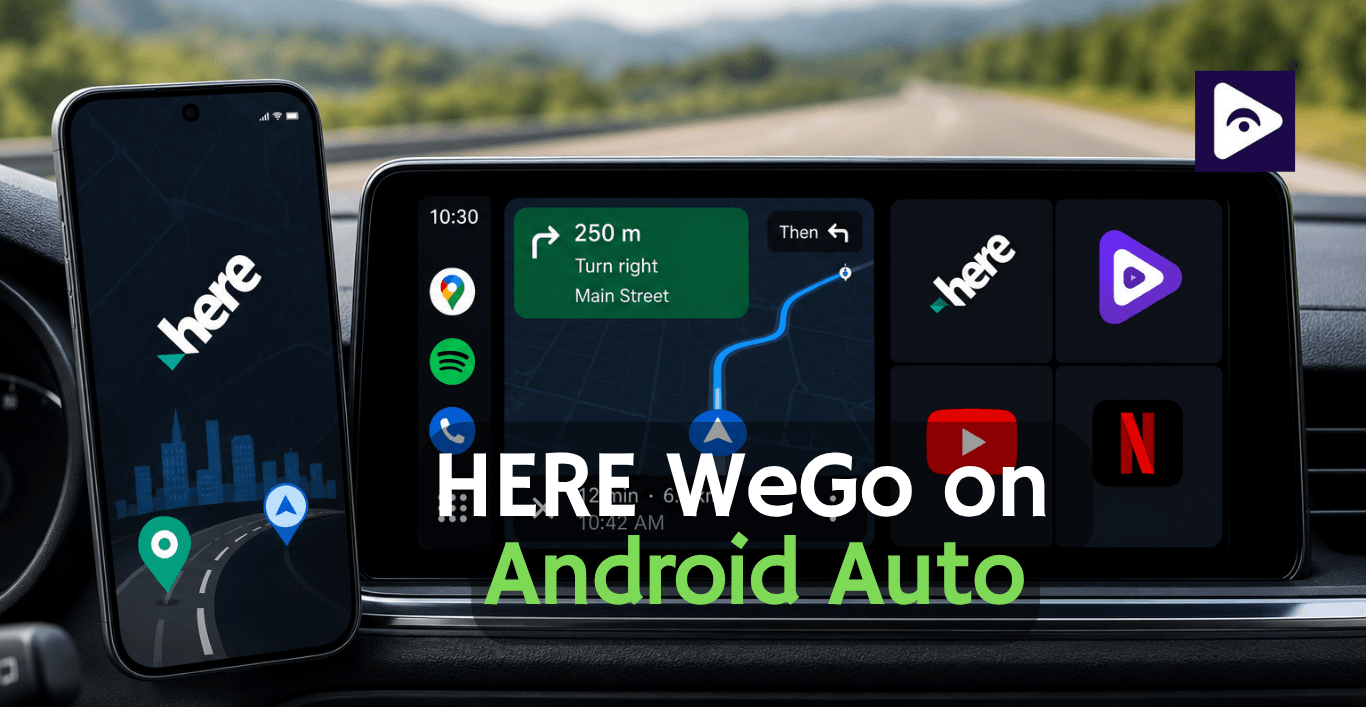
5. HERE WeGo - Simple and Free Offline GPS Option
Best For: Free Offline Navigation HERE WeGo often flies under the radar, but it provides a surprisingly strong navigation experience.
The app allows users to download maps for entire countries and navigate without internet access.
Pros
- Free offline maps.
- Easy to use interface.
- Reliable route guidance.
- Lightweight application.
Cons
- Fewer advanced features.
- Smaller user community.
- Limited traffic reporting.
Best Use Case
Budget conscious travelers.
6. Magic Earth - Privacy Focused GPS Android Auto App
Best For: Privacy Focused Drivers Magic Earth has developed a loyal following among users who prefer privacy-friendly navigation.
Unlike many navigation apps, it minimizes data collection while still providing quality routing.
Key Features
- Offline maps.
- Traffic information.
- Dashcam integration.
- Privacy focused design.
Pros
- Free
- Privacy friendly.
- Offline support.
- Good route accuracy.
Cons
- Smaller development team.
- Less traffic data than Waze.
Best Use Case
Drivers concerned about privacy.
Which GPS Android Auto App is best?
| Driver Type | Best App | Why It Works Best |
|---|---|---|
| Daily Commuters | Waze | Real time traffic updates, accident alerts, and faster rerouting during rush hour. |
| Road Trip Travelers | TomTom GO | Excellent route planning, reliable offline maps, and accurate long distance navigation. |
| Delivery Drivers | Waze | Frequent traffic updates help save time across multiple stops. |
| International Travelers | Sygic | Offline maps reduce roaming costs and work without a mobile signal. |
| Rural Drivers | Sygic | Strong offline navigation for areas with weak network coverage. |
| Business Travelers | TomTom GO | Professional grade routing and dependable navigation on long journeys. |
| Privacy Focused Drivers | Magic Earth | Collects less user data while still offering quality navigation features. |
| Most Android Auto Users | Google Maps | Balanced navigation, excellent search accuracy, and seamless Android Auto integration. |
Common Android Auto GPS Problems and Fixes
Navigation App Not Appearing
Fix :
- Update Android Auto.
- Update the navigation app.
- Reconnect the phone.
- Check Android Auto permissions.
GPS Signal Lost
Fix :
- Enable precise location.
- Restart location services.
- Move the phone away from metal objects.
- Check battery saving settings.
Voice Guidance Not Working
Fix :
- Increase media volume.
- Verify navigation voice settings.
- Restart Android Auto.
- Check Bluetooth connection.
App Crashes During Navigation
Fix :
- Clear app cache.
- Update Android Auto.
- Reboot the phone.
- Reinstall the navigation app.
Tips for Better Android Auto Navigation
- Download Offline Maps
Before Trips Even if you primarily use online navigation, offline maps provide a valuable backup.
- Keep Multiple Navigation Apps Installed
Different apps excel in different situations.
- Update Maps Regularly
Map updates improve route accuracy and fix navigation issues.
- Use Voice Commands
Google Assistant allows hands-free destination searches and route management.
- Check Alternate Routes
The fastest route is not always the route.
Sometimes you will find that a different route is better.
A quick look at options can save you a lot of time when you are traveling.
Android Auto Navigation Comparison Table
| Feature | Google Maps | Waze | Sygic | TomTom |
|---|---|---|---|---|
| Android Auto Support | Yes | Yes | Yes | Yes |
| Offline Maps | Yes | Limited | Excellent | Excellent |
| Traffic Updates | Excellent | Excellent | Good | Good |
| Speed Camera Alerts | Limited | Yes | Yes | Yes |
| Community Reports | No | Excellent | No | No |
| Voice Navigation | Yes | Yes | Yes | Yes |
| Route Alternatives | Good | Excellent | Good | Good |
| Free Version | Yes | Yes | Yes | Limited |
| Best For | Everyday Driving | Traffic Avoidance | Offline Travel | Long Trips |
How much does a car GPS cost?
The cost of a car GPS system depends on what kind of system you want to use. Old style GPS devices can cost from 80$ to 600$. This depends on features & brand.
How to Add Navigation GPS Apps with Fermata Auto
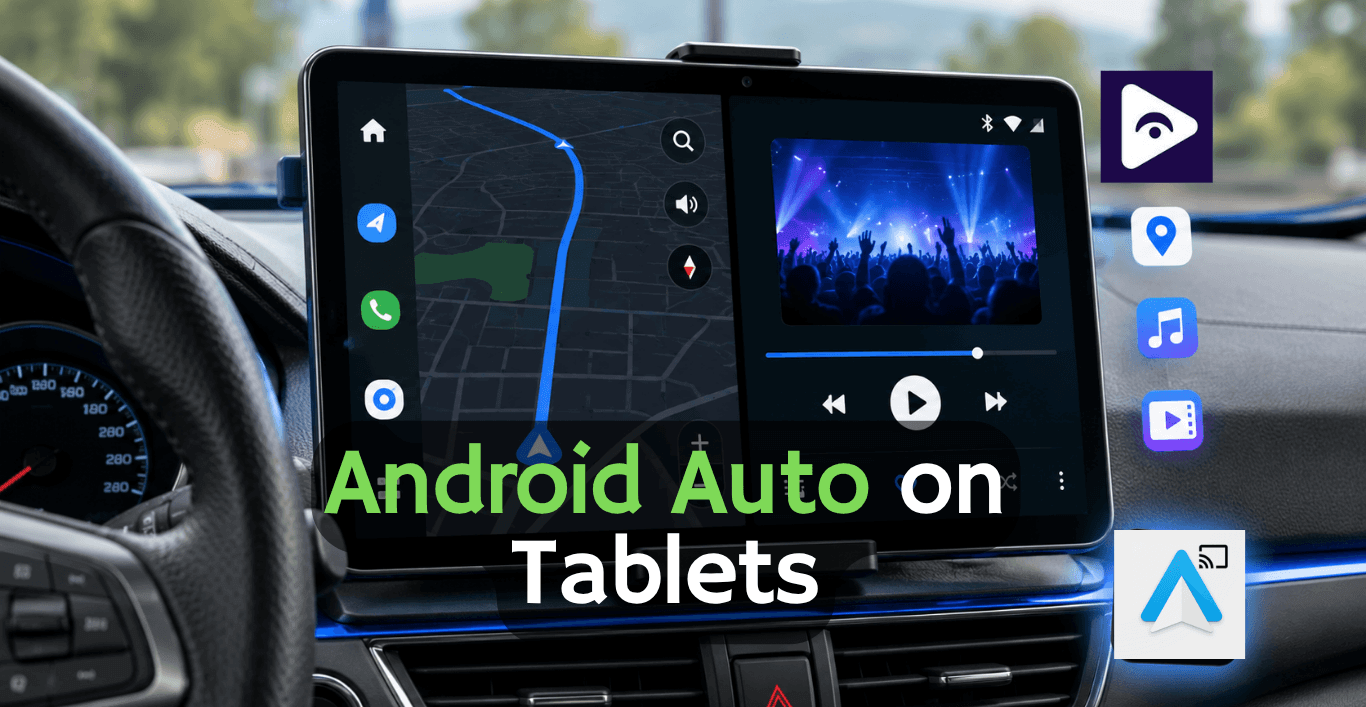
Installing GPS apps on Android Auto usually has limitations, but Fermata Auto gives you a workaround to access more apps and navigation tools on your car display. Once Android Auto is installed you can use navigation apps easily.
Here’s the step-by-step process:
Step 1: Start the Installation
Tap the “Fermata Auto Installation” button.
If you have a computer a QR code will show up on the screen.
You will need to use your Android phone to scan the QR code with the camera, on your Android phone.
Once scanned, it will automatically open the installation page on your phone.
Step 2: Open with Chrome
Make sure the page opens in Google Chrome.
On the page, tap the “Fermata Auto Installation” button again.
This step is important. Other browsers might not trigger the installation correctly.
Step 3: Confirm Installation
A message will come up. It is usually called Fermata Auto Android.
Tap the Install button to keep going.
If you want to get to Fermata Auto Android another time you can also make a shortcut, on your main screen:
Open Chrome settings
Tap “Add to Home screen”
Step 4: Wait for Installation
The app will start installing.
It usually takes a few moments depending on your phone. Just wait until it finishes completely.
Step 5: Find the App
Now that you have installed it, check your phone's home screen or app drawer.
You will see the Fermata Auto app icon, among the apps you have installed.
Step 6: Open Fermata Auto
To get started you need to tap the app icon. This will launch the app.
When the app opens you will probably be asked to enter your email address so you can activate access to the app.
This helps complete the setup process.
Step 7: Get Access Button
After activation you will be taken to a page where you will see a GET button and some easy to follow instructions on how to use it.
Follow the instructions that are shown on the screen, for the GET button.
Step 8: Start Using Navigation Apps
Once everything is ready, you can start using Fermata Auto features.
You can watch things on YouTube, Netflix and Prime Video when your car is parked. You can also use navigation apps in a way with Android Auto. Also Fermata Auto Android 16 works with these apps easily.
Now you can add the apps you want or manage the ones you already have depending on what you have, in your car and what you like.
Frequently Asked Questions on GPS & Navigation Apps
- What is the best GPS app for Android Auto?
Most people use Google Maps for Android Auto because Google Maps is easy to use and Google Maps works well. If you drive in traffic Waze can be more helpful, for you because Waze updates faster when the roads change.
- Does Waze work with Android Auto?
Yes Waze does work with Android Auto. When you connect your phone Waze appears on your car screen. Works just like it does on your phone for navigation.
- Is Waze better than Google Maps on Android Auto?
It depends on how you drive. Waze is better for avoiding traffic jams and accidents. Google Maps is more reliable, for driving and when you have a planned route.
- Can I use Sygic on Android Auto?
Yes. Sygic works fine with Android Auto and is popular with people who travel through areas with weak internet.
- Is Sygic free on Android Auto?
There’s a free version, but some useful features like advanced navigation usually need a paid plan.
- Does TomTom work offline on Android Auto?
Yes. TomTom is actually known for offline maps, so you don’t always need internet while driving.
- Which GPS app is best without the internet?
Sygic and TomTom are the two strongest choices if you often drive without a stable connection.
- Can Android Auto replace a normal GPS device?
Yes. You don’t really need a separate GPS anymore unless you prefer dedicated hardware.
- Which app shows traffic most accurately?
Waze usually wins here because real drivers keep updating what’s happening on the road.
- Can I use more than one GPS app on Android Auto?
Yes, you can install multiple apps and switch between them depending on your trip.
![How to Use Google Maps on Android Auto [Fermata Auto]](/content/images/size/w600/2026/07/google-map.png)