
How to Use YouTube Music Vanced on Android Auto?

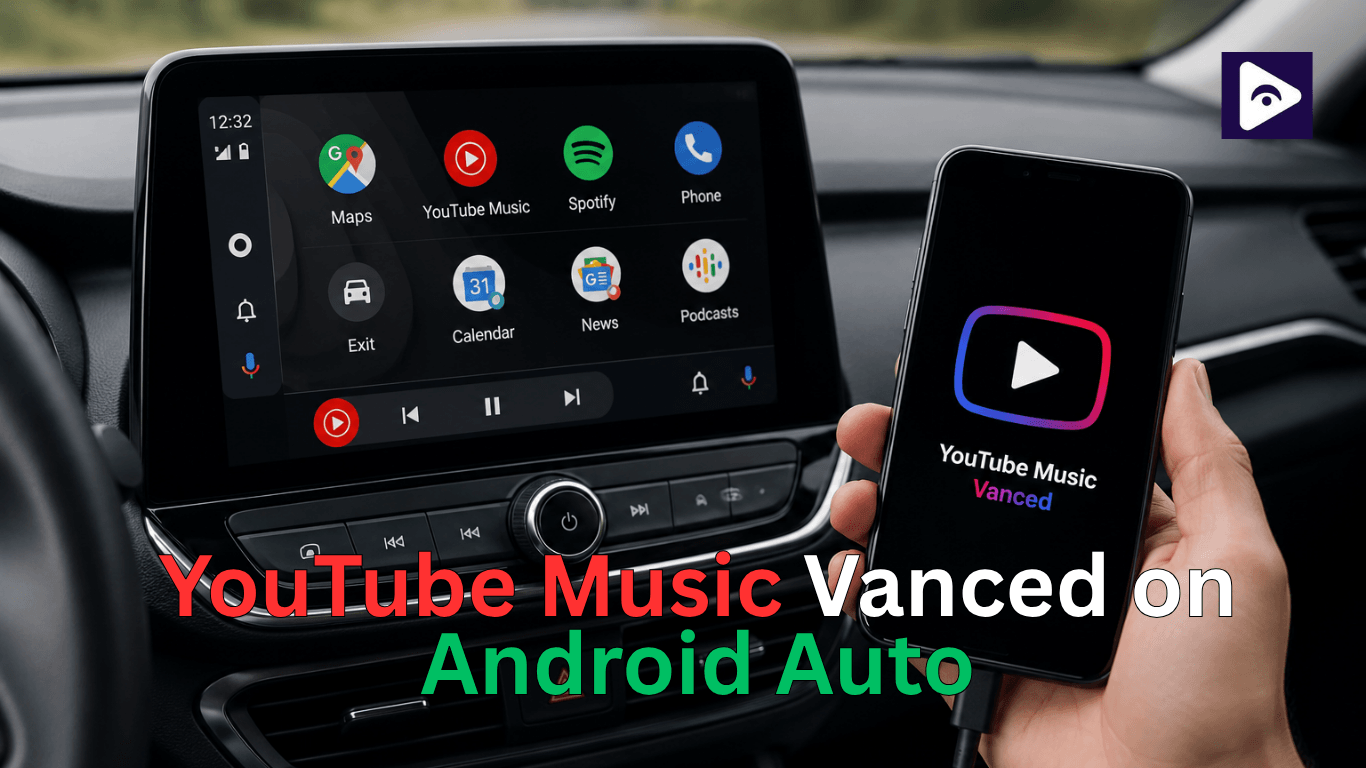
If you are searching for YouTube Music Vanced Android Auto setup. This is right place to know everything. Many drivers want ad free music and background playback while using Android Auto.
YouTube Vanced does not officially support Android Auto. There are technical and safety limitations that stop it from working like a normal car app.
This guide explains everything in a simple real world way. No confusing steps. Just what works, what doesn’t, and what you can safely use instead while driving.
What is YouTube Music Vanced?
YouTube Music Vanced is a modified version of the official YouTube Music app. People used it because it offered features like:
- Background play without interruptions.
- Ad-free music experience.
- Better playback controls.
- More customization options.
Can You Install YouTube Music Vanced on Android Auto?
The answer is no.
Android Auto does not allow:
- Unofficial YouTube apps.
- Modified APKs like Vanced.
- Direct video playback apps (except approved ones).
Normal app like a Android Auto Vanced installation will not appear inside Android Auto.
But there are workarounds that users use to achieve similar results.
Important Things to Know Before You Start
Before trying anything, understand these points clearly:
- Android Auto installed.
- Android Auto supported USB cable or wireless.
- YouTube Music Vanced APK installed on your phone.
- Developer mode access on Android Auto settings.
- Stable internet connection for streaming music.
Also note that installing modified apps can carry risks like:
- App crashes.
- Compatibility issues.
- Security concerns if the APK source is unknown.
Always download from trusted sources only.
Why Android Auto Blocks Apps Like Vanced
Google chooses the apps that can run on the car screen so you can focus on driving with Android Auto.
Here’s what matters most:
1. Safety rules come first
Apps must have simple controls and large UI elements. Vanced is built for phones, not driving screens.
2. No unofficial modifications
Android Auto does not allow modified or unofficial apps.
3. Driver distraction prevention
Features like free video playback are restricted for obvious safety reasons.
So even if someone manages to install Vanced on a phone, Android Auto will not recognize it.
How to setup YouTube Music Vanced
Method 1: Enable Unknown Sources in Android Auto
This is the first step many users try when they want Android Auto Youtube vanced support.
Android Auto sometimes hides unsupported apps. Enabling developer settings helps reveal extra options.
Steps:
- Open Android Auto settings on your phone.
- Scroll down and tap About.
- Tap Version multiple times until developer mode is enabled.
- Go back to settings.
- Open Developer settings.
- Enable Unknown sources.
Once this is done, restart your phone and reconnect Android Auto.
Sometimes, apps like Vanced may appear, but not always.
Method 2: Try Launching Vanced Through Voice Assistant
Another trick users try for Youtube vanced android auto is using Google Assistant.
Steps:
- Connect your phone to Android Auto.
- Say: “Play music on YouTube Music Vanced”.
- Or try: “Open YouTube Music” and switch manually.
In many cases, Android Auto will redirect to the default YouTube Music app instead of Vanced. But some users manage to trigger playback indirectly.
Method 3: Use Phone Audio While Connected to Android Auto
If Android Auto vanced does not appear, you can still play music through your phone.
Steps:
- Connect phone to car via Bluetooth or USB.
- Open YouTube Music Vanced manually on your phone.
- Start playing music.
- Select audio output as car speakers.
This is not a full Android Auto integration, but it works for music playback.
Method 4: Screen Mirroring Option (Advanced Users)
Some drivers use screen mirroring apps to access youtube vanced android auto indirectly.
This method mirrors your phone screen to the car display.
How it works:
- Install a screen mirroring app.
- Connect phone to car system.
- Mirror your display.
- Open Vanced and play music.
This is not officially supported by Android Auto and may not work on all cars.
Method 5: Use Third-Party Android Auto Apps
Some third-party apps claim to unlock more flexibility for Android Auto Youtube vanced usage.
These apps sometimes allow:
- Custom app launchers.
- Media routing control.
- Hidden app access.
However, results vary depending on phone model and Android version.
Not every setup will successfully support Youtube Music vanced Android Auto, but some users report partial success.
Real Alternatives Actually Work on Android Auto
If your goal is smooth music streaming in the car, there are better and safer options.
- YouTube Music (Official App)
This is the closest legal replacement.
- Fully supported in Android Auto.
- Works with playlists and downloads.
- Stable performance while driving.
If you liked Vanced for music, YouTube Music is the closest official experience.
- Spotify
Still the most used Android Auto music app.
- Fast loading.
- Strong playlist system.
- Works offline with premium.
- Apple Music (on Android)
Yes, it also works on Android Auto now.
- Clean interface.
- High quality audio.
- Reliable car integration.
- Local Music Apps
Apps like Poweramp or Musicolet work well for offline music libraries.
- No internet required.
- Smooth Android Auto integration.
- Lightweight performance.
Looking for movies, series, and trending shows? Netflix offers a huge collection of entertainment across different genres for every type of viewer. Visit Netflix Android Auto
Common Problems and Fixes
When trying to use youtube vanced android auto, users often face issues. Here are common ones and simple fixes.
- App not showing in Android Auto.
- Enable developer mode
- Restart phone
- Reconnect USB cable
- Music not playing through car speakers.
- Check Bluetooth connection
- Set audio output manually
- Restart media app
- Android Auto keeps switching apps
- Clear Android Auto cache
- Reconnect device
- Update Android system
- Voice commands not working.
- Recheck Google Assistant settings
- Set default music app correctly
Safety Reminder
When using any workaround for Android Auto vanced, always remember:
- Keep focus on road.
- Use voice control when possible.
- Set playlists before starting trip.
Safety always comes first even when customizing your infotainment system.
Why Many Users Prefer Fermata Auto for Android Auto
Not everyone wants to switch between their phone and the car screen while driving. That is one reason Fermata Auto became popular among Android Auto users.
Instead of opening an app on the phone every few minutes, users can access media controls from the infotainment screen itself. This creates a cleaner experience during long trips and daily commuting.
People often choose Fermata Auto because it offers:
- Better media control from the car screen.
- Support for different media sources.
- Playlist access in one place.
- Easier navigation between content.
- More flexibility than standard Android Auto apps.
Requirements Before Installing Fermata Auto
Before starting make sure you have:
- Android phone.
- Android Auto installed and updated.
- Stable internet connection.
- Fermata Auto APK.
- YouTube Music Vanced or ReVanced installed.
- Developer settings access in Android Auto.
Common Fermata Auto Problems and Fixes
Fermata Auto not appearing
Try:
- Restarting Android Auto.
- Reconnecting USB.
- Rechecking unknown source setting.
Black screen issue
Usually caused by:
- Android Auto version conflicts.
- Permission problems.
- Unsupported phone settings.
No audio
Check:
- Bluetooth media permissions.
- Phone media volume.
- Android Auto audio settings.
Visit : Watch YouTube Android Auto
FAQs about YouTube Music Vanced on Android Auto
- Can I directly install YouTube Vanced on Android Auto?
No Android Auto does not support Vanced or any modified apps directly.
- Why is YouTube Vanced not showing in Android Auto?
Because Android Auto only allows approved apps from Google Play ecosystem.
- Is YouTube Music Vanced Android Auto officially supported?
No it is not officially supported by Google or Android Auto.
- What is the best alternative to Vanced on Android Auto?
YouTube Music or ReVanced with Bluetooth audio is the best option.
- Can I watch YouTube videos on Android Auto?
Not directly unless you use third party mirroring apps like Fermata Auto.
- Is it safe to use APK mods like Vanced?
It depends on source but unofficial APKs always carry some level of risk.
- Does Android Auto allow background music playback?
Yes but only through supported apps like YouTube Music and Spotify.
- What is an Android Auto vanced workaround?
It refers to using ReVanced or mirroring apps to get similar functionality.
- Why does Android Auto block video apps?
To prevent driver distraction and ensure road safety.
- Can I use Bluetooth instead of Android Auto for Vanced?
Yes. Bluetooth is the easiest way to play audio from Vanced apps.
![How to Add WhatsApp on Android Auto? [2026 Guide]](/content/images/size/w600/2026/08/whatsapp.png)