
How to Add Telegram on Android Auto? (Complete Guide 2026)

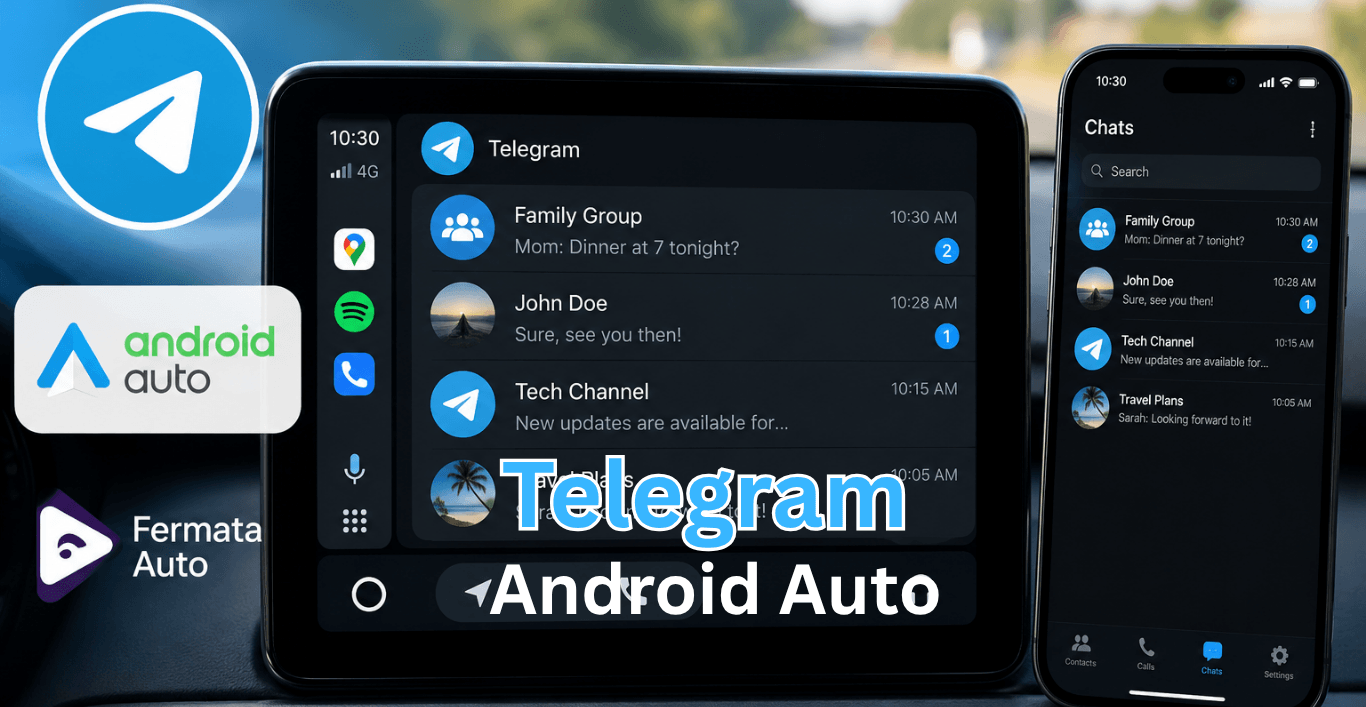
Telegram is one of the most used messaging apps for drivers who want fast communication while on the road. But there’s a problem many users face: Telegram does not officially support Android Auto.
So you will not see Telegram in the Android Auto store or the list of default apps. A lot of people who drive still want to use Telegram for messages or voice notes or quick answers while they are driving.
In this guide you will learn how to use Telegram with Android Auto, what actually works with Telegram and what does not work with Telegram and how things, like Fermata Auto Telegram integration can help you use Telegram in a way.
Why Telegram doesn’t work natively on Android Auto
Android Auto is designed with strict safety rules. Google only allows apps that reduce driver distraction. That’s why you only see:
- Google Maps
- WhatsApp (limited features)
- Music apps like Spotify
- Calling apps
Telegram is blocked because:
- It shows large chat lists (not safe while driving).
- It supports media, stickers, and channels.
- It requires frequent screen interaction.
But that doesn’t mean it’s impossible to use Telegram in your car.
Can You Use Telegram on Android Auto?
Yes. you can use workarounds, for limited access or mirroring.
These methods don’t “install Telegram inside Android Auto,” but they help you view or interact with it indirectly.
The most common solutions include:
- Voice assistant (Google Assistant).
- Notification replies.
- Third-party tools like Fermata Auto.
- Screen mirroring apps (advanced users only).
Let’s break each method in detail.
How to add Telegram on Android Auto
Follow these steps carefully.
Step 1: Get Telegram
If you do not have Telegram installed:
- Open Google Play Store
- Search for Telegram
- Install the app
- Sign in to your account
If already installed, update it.
Step 2: Update Android Auto
Open:
Play Store → Android Auto → Update
Running the version helps to prevent compatibility issues.
Step 3: Enable Notification Permissions
On Android phones you can do this by:
- Open Settings
- Apps
- Telegram
- Notifications
- Allow Notifications
Make sure every notification category is enabled.
Step 4: Enable Android Auto Notifications
Open Android Auto settings.
Check that:
- Message notifications are enabled
- Communication apps are allowed
- Google Assistant notifications are enabled
Step 5: Connect Your Phone to Android Auto
Connect using:
- USB cable
- Wireless Android Auto (if supported)
Wait for Android Auto to finish loading.
Step 6: Test Telegram Messages
Ask a friend to send a Telegram message.
When the message arrives:
- Android Auto should show a notification.
- Google Assistant may read it aloud.
- Reply options may appear.
If notifications appear correctly, Telegram is working.
Using Telegram with Voice Commands
Voice commands are a way to use Telegram when you are driving.
Try:
"Hey Google, read my messages."
or
"Hey Google, reply to the message."
Depending on device compatibility, Android Auto may process Telegram notifications and allow hands free responses.
What Features Work on Android Auto Telegram?
Feature availability depends on software versions.
| Feature | Works on Android Auto | Details |
|---|---|---|
| Receive Message Notifications | ✅ Yes | Incoming Telegram messages can appear as Android Auto notifications. |
| Read Messages Aloud | ✅ Yes | Google Assistant can read supported Telegram messages while driving. |
| Voice Replies | ✅ Yes | Reply to messages using voice commands without touching your phone. |
| Message Notifications from Groups | ✅ Yes | Group message notifications may appear depending on notification settings. |
| Open Full Telegram App | ❌ No | Android Auto does not provide access to the complete Telegram interface. |
| Browse Chats Manually | ❌ No | You cannot manually navigate through conversations on Android Auto. |
| View Channels | ❌ No | Telegram channels are not accessible through the Android Auto interface. |
| Watch Videos Shared in Telegram | ❌ No | Video playback from Telegram is not supported in Android Auto. |
| Open Shared Files or Documents | ❌ No | Files and attachments cannot be opened directly from Android Auto. |
| Google Assistant Integration | ✅ Yes | Works with Google Assistant for hands-free message handling. |
Why Telegram is Not Showing on Android Auto
This is one of the most common complaints.
Several factors can cause the issue.
Outdated Telegram Version
Older versions may not communicate properly with Android Auto.
Update Telegram first.
Outdated Android Auto
Google regularly changes communication app support.
An outdated Android Auto installation can prevent Telegram from appearing.
Disabled Notifications
Without notifications, Android Auto cannot interact with Telegram messages.
Verify notification settings carefully.
Battery Optimization Restrictions
Some manufacturers aggressively restrict background apps.
Examples include:
- Xiaomi
- Oppo
- Vivo
- Realme
- Huawei
Disable battery optimization for Telegram.
Assistant Problems
Google Assistant handles many messaging functions.
If Assistant isn't working, Telegram interactions may fail.
How to Fix Telegram Android Auto Not Working
If Telegram notifications are missing, try these fixes.
Restart Everything
A simple restart often solves temporary bugs.
Restart:
- Phone
- Car infotainment system
- Android Auto
Clear Android Auto Cache
- Settings
- Apps
- Android Auto
- Storage
- Clear Cache
Reconnect afterward.
Reconnect Android Auto
Remove your vehicle connection.
Then:
- Open Android Auto
- Remove paired car
- Reconnect
Many users report success after re pairing.
Reinstall Telegram
Uninstall Telegram.
Restart the phone.
Install Telegram again and grant all permissions.
Check Notification Categories
Telegram has multiple notification categories.
Verify that:
- Messages
- Groups
- Channels
- Pop up notifications
are enabled.
Android Auto Telegram Safety Tips
Messaging while driving can be distracting.
For safer use:
- Use voice replies whenever possible.
- Avoid reading long messages.
- Pull over for important conversations.
- Enable message read-aloud features.
- Keep Android Auto updated.
Android Auto is designed to reduce manual interaction while driving.
Note: "Android Auto Store Telegram" is not an official app store. It usually refers to Telegram communities where users discuss Android Auto apps, updates, installation methods, and troubleshooting solutions.
What is Fermata Auto Telegram?
What is Fermata Auto?
Fermata Auto is a third-party Android Auto application that provides additional media playback capabilities.
Many Android Auto enthusiasts use it for:
- Video playback
- Local media access
- IPTV integration
Expanded multimedia functionality.
If you want full Telegram access on your car screen, you can first learn how to install Fermata Auto on Android Auto.
How to Install Fermata Auto on Android Auto
Getting Fermata Auto set up is simple. Just follow these steps:
Step 1: Open Install Page
Tap the Fermata Auto Installation button. If you’re on a PC, scan the QR code with your phone.
Step 2: Install App
Open the page in Chrome and tap Install when it appears.
Step 3: Wait for Install
Let it finish installing. You’ll see the app in your app drawer.
Step 4: Open App Launch
Fermata Auto and enter your email to activate it.
Step 5: Tap GET
After activation, tap the GET button on the setup page.
Step 6: Use It
Connect your phone to Android Auto and open Fermata Auto from there.
Step 7: Get button
You’ll be redirected to a page with a GET button and usage instructions.
Step 8: Start Streaming
You can now stream Telegram, YouTube, Netflix, Prime, and more, or add any app manually.
Fermata Auto Installation Complete Guide
Telegram on Android Auto vs Telegram Through Fermata Auto
Many users confuse these two completely different things.
| Feature | Telegram on Android Auto | Telegram Through Fermata Auto |
|---|---|---|
| Primary Purpose | Messaging and communication while driving | Access Telegram as a full app through Fermata Auto |
| Official Android Auto Support | ✅ Yes | ❌ No |
| Receive Message Notifications | ✅ Yes | ✅ Yes |
| Read Messages Aloud | ✅ Yes | ❌ No |
| Voice Replies | ✅ Yes | ❌ No |
| Browse Chats | ❌ No | ✅ Yes |
| Open Groups and Channels | ❌ No | ✅ Yes |
| View Photos and Videos | ❌ No | ✅ Yes |
| Watch Shared Video Content | ❌ No | ✅ Yes |
| Full Telegram Interface | ❌ No | ✅ Yes |
| Requires Fermata Auto | ❌ No | ✅ Yes |
| Best For | Safe hands-free messaging while driving | Users who want full Telegram access on the Android Auto screen |
Expert Tips for better Telegram Android Auto performance
After testing Android Auto on multiple devices, a few habits consistently improve reliability.
Keep Telegram Updated
Many messaging issues disappear after updates.
Use Original USB Cables
Cheap cables often cause Android Auto disconnects.
A high-quality cable can solve many connection problems.
Enable Wireless Android Auto Carefully
Wireless Android Auto is really convenient. Sometimes it can cause problems with the connection.
If you have issues try using a cable to connect.
Allow Background Activity
Telegram needs permission to run in the background.
Restrictive battery settings can block notifications.
Keep Google Assistant Active
Many Telegram Android Auto features depend on Assistant services.
Frequently Asked Questions on Telegram on Android Auto
- Does Telegram work on Android Auto?
Telegram notifications and message reading and voice replies can work through Android Auto.
- Why can't I see Telegram on Android Auto?
Usually because notifications are disabled, Android Auto is outdated, or Telegram permissions are restricted.
- Can I open the full Telegram app on Android Auto?
No. Android Auto only supports limited communication features for safety reasons.
- Can Android Auto read Telegram messages aloud?
Yes. Google Assistant can read supported Telegram notifications.
- Can I reply to Telegram messages using voice?
Yes. Voice replies are supported when Google Assistant is configured properly.
- Does Telegram support wireless Android Auto?
Yes. Telegram functions should work on both wired and wireless Android Auto connections.
- Why are Telegram notifications delayed?
Battery optimization settings or background restrictions are often responsible.
- Is Telegram officially supported by Android Auto?
Telegram is a messaging service that can be used in Android Auto.it works depending on the version.
- What is Fermata Auto Telegram?
It generally refers to Telegram communities where users discuss Fermata Auto updates, support, and installation methods.
- Is Telegram safe to use while driving?
Yes, when using hands free features such as message read aloud and voice replies. Avoid manually interacting with messages while driving.
![How to Use Google Maps on Android Auto [Fermata Auto]](/content/images/size/w600/2026/07/google-map.png)