Android Auto vs Android Automotive: Which One Supports Video Better?

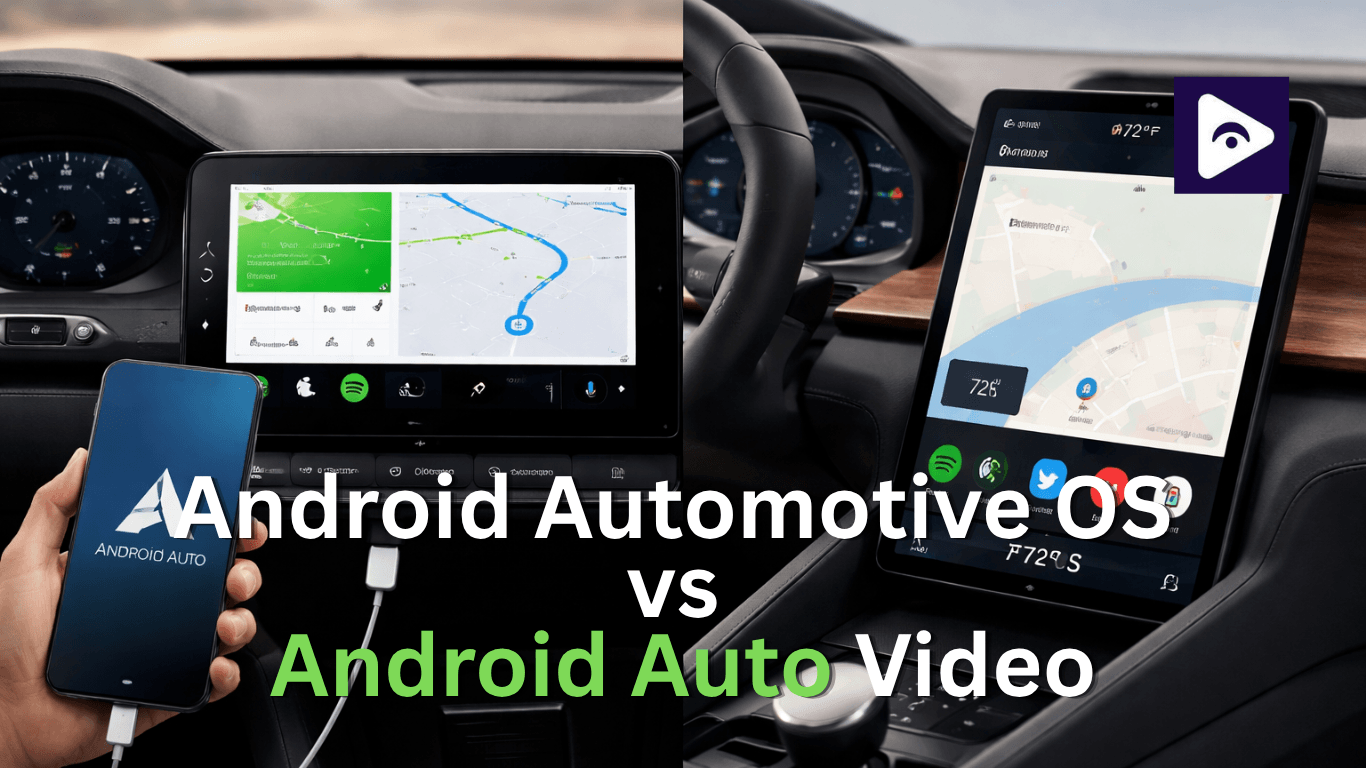
A lot of people confuse these two. You Google "does my car have Android Auto," and you keep seeing "Android Automotive OS" pop up too. What's the difference? Which one plays video? Which cars have which?
This article answers all of that clearly. Whether you just bought a new car or you just want to understand what you already have this guide is for you.
What is Android Auto?
Android Auto is developed by Google.
Simple Explanation: Android Auto is not installed inside your car. Instead, it runs from your smartphone and mirrors a simplified version onto your car screen.
How It Works:
- Connect your Android phone via USB or wireless.
- Your phone processes everything.
- The car display shows a simplified interface.
Key Features:
- Google Maps navigation.
- Voice commands via Google Assistant.
- Music apps like Spotify.
- Messaging and calls.
Built-in Android Auto Meaning:
Many users search for “built in Android Auto” but this is misleading. The thing is, Android Auto still needs your phone to actually work.
Video Support in Android Auto
This is where things start to get confusing for most users.
Official Reality:
Android Auto does NOT support video playback.
You cannot use:
- YouTube
- Netflix
- Amazon Prime Video
- Local video players
Why?
Google blocks video apps for safety reasons. The system is designed for driving focus only, not entertainment distraction.
What about workarounds?
Some users try unofficial apps like screen mirroring tools or third party mods, but:
- They are unstable.
- Not supported by Google.
- May stop working after updates.
In short: Android Auto = NO video support (officially and consistently)
But you can enable Video in car screen through Fermata Auto.
What is Android Automotive OS?
The Android Automotive Operating System is a system that runs your car. This system was made by Google. The Android Automotive Operating System does a lot of things for your car.
Simple Explanation:
Unlike Android Auto, this system runs directly inside the car. You do not need a phone to use it.
How It Works:
- Installed on the car’s infotainment system.
- Works independently from your phone.
- Uses built-in Google services.
Key Difference:
- The car becomes an Android device itself.
Android Automotive Apps Explained
One major advantage is android automotive apps.
These are apps designed specifically for car systems and installed directly from the car’s Play Store.
Common Apps Include:
- Google Maps (native version).
- Spotify (car version).
- YouTube Music (audio focused).
- EV charging apps.
- Weather apps.
- Parking assistance apps.
Important Note:
Not all mobile apps are available. Developers must optimize apps for car safety and interface rules.
Video Support in Android Automotive OS
Now the big question: can you watch videos?
The Answer: Yes but with restrictions.
How video works:
- Some cars allow video playback when parked.
- Certain manufacturers enable YouTube apps.
- Video is disabled while driving.
Limitations:
- Not all brands support video apps.
- Availability depends on the region.
- Strict safety controls remain.
Real example:
Some EV systems allow entertainment apps during charging stops, which is becoming more common.
Android Automotive vs Android Auto Video: Core Comparison
| Feature | Android Auto | Android Automotive OS |
|---|---|---|
| System Type | Phone-based projection | Built-in car operating system |
| Phone Required | Yes | No |
| Internet Source | Uses phone data | Uses car SIM or Wi-Fi |
| App Installation | Installed on phone | Installed directly in car |
| Video Playback | Not supported | Limited (only when parked) |
| App Ecosystem | Limited (navigation, music, messaging) | Expanding (car-optimized apps) |
| Performance | Depends on smartphone | Depends on car hardware |
| Updates | Via phone updates | Via manufacturer OTA updates |
| Customization | Low | Moderate to high |
| Safety Restrictions | Very strict (no video at all) | Controlled (video disabled while driving) |
Which cars use Android Auto?
Android Auto is mostly available in many modern cars.
Common brands:
Hyundai
Kia
Toyota
Honda
Ford
Mazda
BMW (select models)
Volkswagen
In most modern cars, Android Auto is included as a feature rather than the core system it works alongside the car’s native infotainment software.
Which cars use Android Automotive OS?
Android Automotive OS is still relatively new but adoption is accelerating quickly.
Popular brands using it:
Volvo
Polestar
General Motors (EV lineup)
Renault (new infotainment systems)
Polestar Android Auto confusion:
Many users often look for Polestar Android auto. The thing is Polestar mostly uses Android Automotive OS, not the regular Android Auto. Many users search for Android Auto support in Polestar vehicles. Polestar actually uses Android Automotive OS.
In models like Polestar 2:
- Google is built into the car.
- No phone needed for navigation.
- Apps run natively inside the system.
Some configurations may still support Android Auto, but Automotive OS is the primary system.
Polestar and Android Auto - What's the Deal?
The Polestar 2 runs on Android Automotive OS. It's basically an Android device. So you do not need to use Android Auto. The Polestar 2 already has the Android experience built-in.
Google Maps, Google Assistant, the Play Store and Spotify are part of the car's system.
Polestar 2 also has Android Auto support now. So you can plug it in if you want to use the apps from your phone. It will show up on the cars screen. Most people who own a Polestar 2 use the built in system. They like it because it is more powerful and it is always connected to the internet.
User Experience Comparison
Android Auto Experience:
- Quick setup.
- Familiar phone interface.
- Limited distractions.
- Simple and stable.
But:
- Depends on phone quality.
- Limited customization.
- No video or advanced apps.
Android Automotive OS Experience:
- Fully integrated dashboard.
- More advanced UI.
- Better system performance.
- Built-in Google ecosystem.
But:
- Depends on the car manufacturer.
- App availability varies.
- More complex system updates.
Performance Differences
Android Auto:
Performance depends on:
- Smartphone processor.
- USB/wireless stability.
- Phone battery health.
If your phone is slow, Android Auto will also feel slow.
Android Automotive OS:
Performance depends on:
- Car hardware (chipset, RAM).
- Manufacturer optimization.
Generally: More stable and smoother than Android Auto
Safety design and Video restrictions
Both systems prioritize driving safety, but differently.
Android Auto:
- Strictest safety rules.
- No video allowed.
- Voice first interaction.
Android Automotive OS:
- Flexible but controlled.
- Video only when parked.
- The manufacturer decides restrictions.
Which system is better?
Choose Android Auto if:
- You want simple phone integration.
- You prefer stability.
- You don’t need in-car apps.
Choose Android Automotive OS if:
- You want advanced smart car features.
- You use EV related apps.
- You want built-in Google experience.
- You want limited in-car entertainment.
FAQs: Android Automotive vs Android Auto Video
- Can I watch YouTube on Android Auto?
No. Video apps are blocked to keep drivers focused.
- Does Android Automotive OS support Netflix?
Not really. Some cars allow video only when parked.
- What is built-in Android Auto?
It means your car supports it, but you still need your phone.
- Is Android Automotive better than Android Auto?
Yes, it’s more advanced and built into the car.
- Do I need a phone for Android Automotive OS?
No. It works on its own.
- Does Polestar use Android Auto?
Mostly Android Automotive OS, not Android Auto.
- Can I install any app on Android Automotive OS?
No. Only car approved apps are available.
- Which system is more common?
Android Auto is still more widely used.
- Which is better for EVs?
Android Automotive OS works better for EV features.
- Will Android Auto be replaced?
Not soon, but the Automotive OS is growing fast.
![How to Use Google Maps on Android Auto [Fermata Auto]](/content/images/size/w600/2026/07/google-map.png)