How to Watch Video on Honda Android Auto? (Civic, Accord, CR-V Guide)
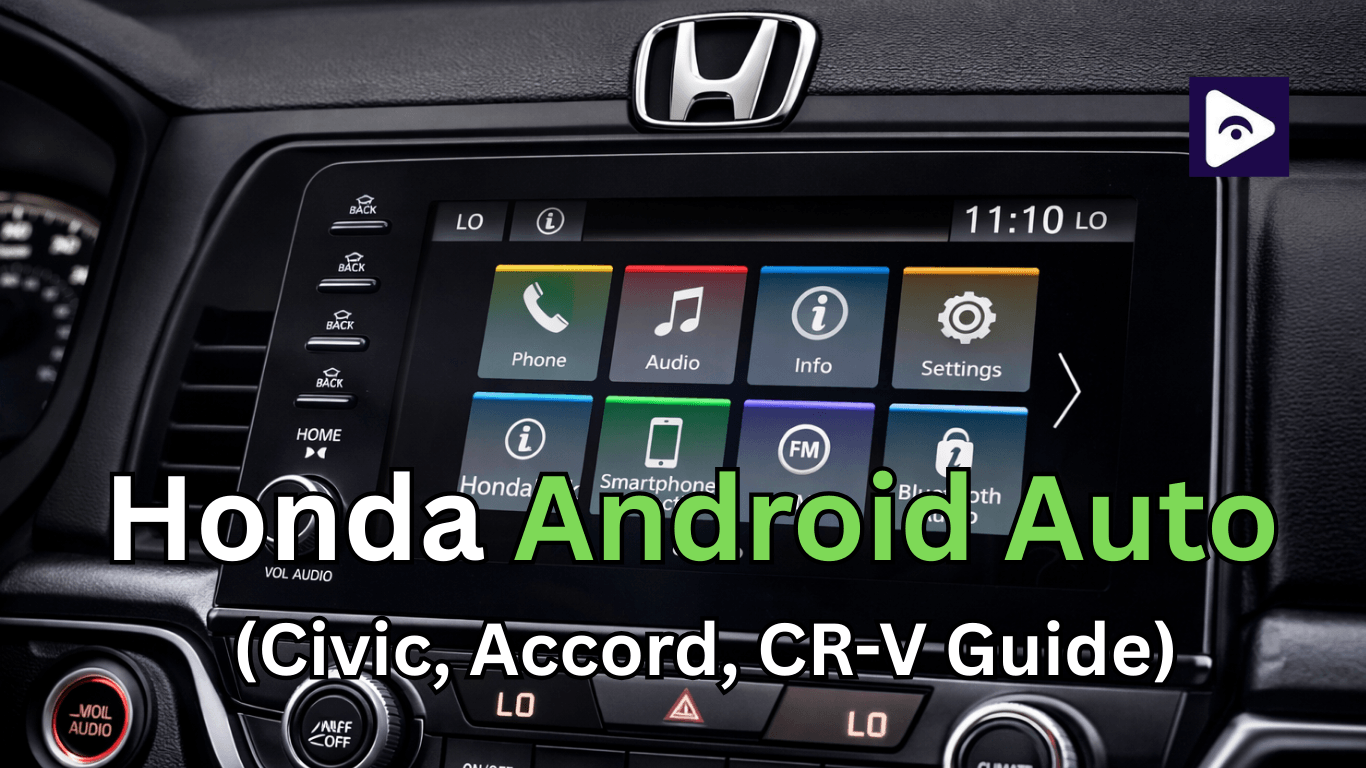
A lot of Honda owners discover Android Auto and immediately wonder one thing: can I watch YouTube or videos on this thing?
Android Auto does not allow video playback apps like YouTube while driving. This is mainly for safety reasons. Many users look for ways to watch videos when the car is parked. The good news is that there are a few working methods.
In this guide, I’ll guide you how Honda Android Auto video works on Civic, Accord, and CR-V models, along with simple setup steps and practical tips.
Does Honda Android Auto Support Video Playback?
The answer is no, it’s not officially.
Android Auto is designed for minimum distractions.Google restricted video streams such as YouTube, Netflix, and Plex from appearing on the screen.
Only this types of apps are supported:
- Navigation apps like Google Maps.
- Music apps like Spotify.
- Messaging apps.
- Voice assistant features.
- Video streaming apps are excluded completely.
Even if you install YouTube on your phone, it won’t show up in Android Auto. That’s why you need to explore third party solutions (like Fermata Auto) to enable Honda Android Auto video. mainly for use when the car is parked.
Honda Infotainment Systems Explained
These are more important to understand the infotainment system in your car before setting up any Honda Android Auto video solution. Honda has used different systems across model years, and each one affects how Android Auto works.
Honda Display Audio Systems
Honda Display Audio comes standard in many popular models like the Civic, Accord, and CR-V.
These are normally include:
- A touchscreen display (usually 7 to 9 inches).
- USB connectivity.
- Built-in Bluetooth.
- Supported Android Auto and Apple CarPlay.
Most Display Audio systems rely on a wired connection for Android Auto. This makes them stable and reliable, especially when using third-party apps.
Many users searching for Honda display audio Fermata setups are using this system because it works well with apps like Fermata Auto when configured properly.
Another advantage is that Display Audio systems are simple. It makes them more flexible for media playback apps.
However, older versions may feel slower or less responsive than to newer systems.
Honda Connect Systems
Honda Connect is a newer generation infotainment platform available in more recent models.
It offers additional features such as:
- Remote car access through mobile apps.
- Real time car information.
- Improved interface and performance.
- In some cases, wireless Android Auto support.
These systems are designed to provide a more connected experience and the interface is smoother, and app switching feels faster.
Honda Connect systems can be both helpful and slightly restrictive for users trying Honda Android Auto video. While they support newer Android Auto versions, they may also include stricter security settings.
Differences Between Older and Newer Honda Systems
There are a few key differences:
Older systems (2016–2018 models):
- Mostly wired Android Auto.
- Slower processing speed.
- Third-party apps fewer restrictions.
Mid-range systems (2019–2021 models):
- Responsiveness improved.
- Better screen quality.
- More stable Android Auto connection.
Newer systems (2022 and later):
- Support wireless Android Auto.
- Faster interface.
- More security and system controls.
Why Infotainment System Matters for Video Playback
Your infotainment system directly affects:
- App compatibility.
- Connection stability.
- Video playback performance.
Wired vs Wireless Android Auto in Honda
Understanding this difference is important before setting up video playback.
Wired Android Auto Most Honda vehicles use a wired connection.
Benefits include:
- Stable performance.
- Better video playback quality.
- Fewer connection issues.
If you’re planning to use video apps, wired is usually more reliable.
Wireless Android Auto Some newer Honda models support wireless Android Auto.
Advantages:
- No cables needed.
- Automatic connection.
- Cleaner setup.
However, it may have:
- Occasional lag.
- Connection drops.
- Higher battery usage.
For video playback, wired connections still work better in most cases.
How to Watch Honda Android Auto Video Using Fermata Auto
Step 1: Download & Install Fermata Auto
Start by getting the Fermata Auto app on your Android phone.
- Go to the official Fermata Auto installation page
- If you are using a PC, scan the QR code using your phone
- Android version is must compatible
Step 2: Open the Installation Page from Chrome
- Open the download page in Chrome
- Tap on “Fermata Auto Installation”
- Allow downloads if your phone asks for permission
Step 3: Confirm the Installation
When the file is downloaded:
- Tap the file to start installation
- Select Install when the pop-up appears
- Wait a few seconds for the process to complete
Optional tip:
You can add a shortcut by tapping Chrome menu → Add to Home screen
Step 4: Finish the Setup
After installation:
- Open the Fermata Auto app
- Follow the setup instructions
- Grant required permissions (storage, media, etc.)
Once connected, you’ll see Fermata Auto in the app list. Open it and start playing videos.
Important Tip
For the best experience with Honda display audio Fermata Auto, use a wired connection. It provides better stability and smoother video playback compared to wireless Android Auto.
Full Guide: Fermata Auto step by step complete guide
Best Fermata Auto Alternatives for Android Auto
There are several alternatives available. Each app offers different features like YouTube streaming, screen mirroring, or full app access.
1. AAStream (Full Screen Mirroring)
AAStream is one of the most powerful alternatives to Fermata Auto.
- Mirrors full screen to Android Auto.
- Support apps like YouTube, Netflix, and more.
- Supports touch control from your car screen.
- Customization like screen rotation and resolution.
However, Root Android devices require full functionality.
2. Screen2Auto (Advanced Mirroring App)
Screen2Auto is another popular option for video playback.
- Mirrors your phone screen to Android Auto.
- Supports video streaming and local files.
- Allows any app on your phone.
You can explore great flexibility, but performance can vary depending on your device and Android version. Some features may require root access.
3. CarStream (YouTube Focused App)
CarStream is designed specifically for YouTube playback.
- Watch YouTube videos directly in Android Auto.
- Browse subscriptions and playlists.
- Simple and lightweight interface.
CarStream mainly supports YouTube only and may not work reliably on newer Android versions.
Best for: Users who only want YouTube on Android Auto.
4. AA Mirror (Full Phone Mirroring)
AA Mirror is another screen mirroring solution.
- Mirrors your entire phone interface.
- Works with most video apps.
- Free to use.
It may require root access and can consume more battery during use.
Best for: Users who want simple full screen mirroring.
5. AAAD (Android Auto Apps Downloader)
AAAD is not a video app, but it helps install apps like Fermata, CarStream, and Screen2Auto.
- One tap installation of third-party apps.
- No root required.
- Easy to use interface.
It’s one of the easiest ways to access multiple alternatives in one place.
Best for: Beginners who want a simple setup process.
6. CarTube (Lightweight YouTube App)
CarTube is a lightweight YouTube client for Android Auto.
- Designed specifically for car screens.
- Faster and simpler than full mirroring apps.
- Easy navigation.
However, Screen2Auto has limited features compared to other apps.
How to Watch Honda YouTube on Android Auto
Many users want direct access to YouTube. While it’s not officially supported, there are workarounds.
This is where Honda YouTube Android Auto solutions come in.
Using Fermata Auto YouTube Plugin
Fermata Auto includes a YouTube plugin.
Once installed:
- Open Fermata Auto
- Select the YouTube option
- Search or open videos
This is one of the easiest ways to watch YouTube on Android Auto.
Web Player Method
Another option is using a web based player.
This method loads YouTube through supported media interfaces.
It works, but may not be as stable as Fermata.
Safety Reminder
Never watch YouTube while driving.
Always use these features only when parked.
Troubleshooting Honda Android Auto Video Issues & Fixes
| Issue | Possible Cause | Fixes |
|---|---|---|
| Fermata Auto not showing | Developer mode disabled or unknown sources off | Enable developer settings and allow unknown sources in Android Auto |
| Video not playing | Unsupported format or high resolution | Use MP4 format and reduce video quality |
| Android Auto disconnecting | Poor USB cable or unstable connection | Use a high-quality data cable and reconnect |
| Audio works but no video | Codec or permission issue | Check app permissions and try a different video file |
| YouTube not loading | Weak internet or outdated plugin | Check connection, update plugin, and restart the app |
| Lag or slow playback | High system load or wireless delay | Close background apps and use wired Android Auto |
| App crashes or freezes | Software glitch or outdated version | Update apps and restart phone and car system |
Safety Tips for Watching Video in a Honda
Even though Honda Android Auto video is possible, safety always comes first.
Keep these tips in mind:
- Only watch videos while parked.
- Never use video apps while driving.
- Use voice controls whenever possible.
- Keep your focus on the road.
These simple steps help prevent distractions.
FAQs on Honda Android Auto Video
- Can I watch videos on Honda Android Auto?
Yes. You can watch Videos through third party apps like Fermata Auto.
- What is the best app for Honda Android Auto video?
Fermata Auto can highly recommended for video playback.
- Does Honda Civic support Android Auto video?
The Civic supports Android Auto, but video requires third party apps like Fermata Auto.
- Can I watch YouTube on Honda Android Auto?
Yes, using tools like Fermata Auto YouTube plugin.
- Is it safe to watch videos on Android Auto?
Never while driving, Only when the car is parked.
- Why doesn’t YouTube show on Android Auto?
Google blocks video apps for safety reasons.
- Does wireless Android Auto support video apps?
Yes, but wired connections are more stable for video playback.
- What is Honda display audio Fermata Auto?
It refers to using Fermata Auto on Honda Display Audio systems.
- Do I need the internet for video playback?
Yes, for streaming. Local files do not require the internet.
- Can Android Auto updates block video apps?
Sometimes updates affect third party apps, so compatibility may change.