What is the best wireless Android Auto Adapter in 2026? AAWireless vs Carlinkit vs Carsifi

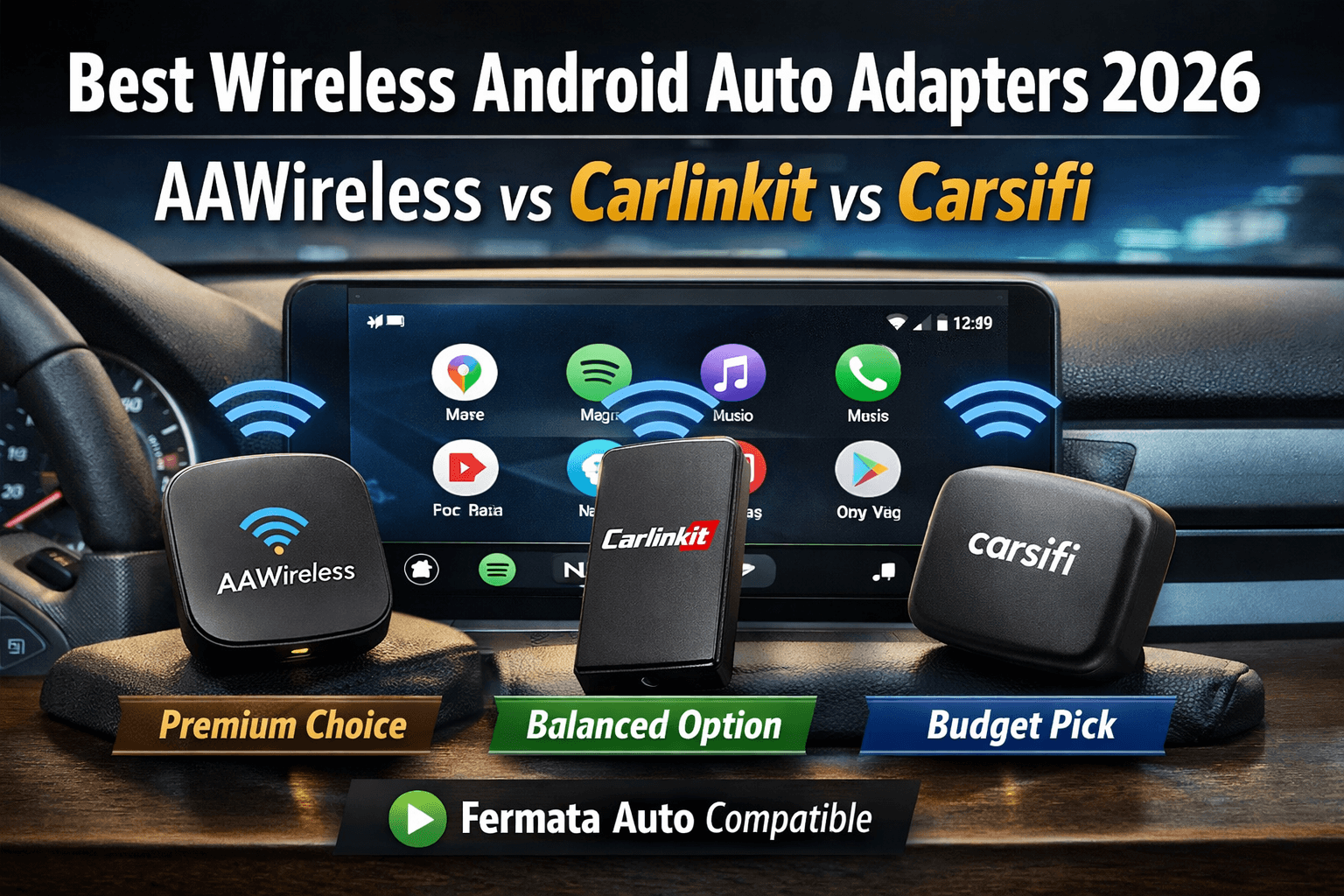
If you’re tired of plugging in your phone every time you get into your car, you’re not alone. One of the biggest upgrades drivers are making right now is switching to a wireless Android Auto adapter 2026 setup.
And honestly, once you go wireless, it’s really hard to go back.
But here’s the thing not all adapters are the same. Some are super reliable, some are budget friendly, and some work better with apps like Fermata Auto (especially if you want video playback while parked).
So in this guide, I’m going to walk you through three of the most popular options right now:
Let’s break everything down in a simple way and explore everything you need to know. Real world way so you can actually decide what’s best for you.
Why everyone is switching to wireless Android Auto in 2026
If you think,like that:
Why even use a wireless Android Auto adapter?
Because wired Android Auto feels outdated now. You can experience into your car, you have to:
- Take your phone out
- Plug in the cable
- Wait for it to connect
It’s a small thing but it gets annoying fast.
With the best wireless Android Auto dongle, your phone connects automatically. You just start your car and go.
Real benefits you’ll notice
- No cables = cleaner dashboard
- Faster startup once configured
- Better convenience for short trips
- Easier use for passengers
And here’s something important,
If you’re using apps like Fermata Auto for watching videos (while parked), the adapter you choose actually matters a lot.
1. AAWireless – The Most Reliable Choice
Let’s start with the one most people talk about first AAWireless.
If you’ve done any research, you’ve probably seen this name everywhere. And there’s a reason for that.
What makes AAWireless special?
AAWireless is known for being stable, fast, and consistently updated. It’s the kind of device you buy once and just forget about.
You plug it in, set it up, and it just works.
Real-world experience When you start your car, AAWireless connects in about 5–10 seconds. No lag, no weird disconnects (in most cases), and navigation + music run smoothly.
Even during long drives, it holds the connection really well.
Key features Fast auto connect
- Companion app for settings
- Frequent firmware updates
- Strong compatibility with most cars
- Excellent performance with streaming apps
Pros
- Very stable connection
- Best for daily use
- Great long-trip performance
- Strong community support
Cons
- Slightly expensive
- Setup app may feel technical for beginners
Fermata Auto Compatibility (AAWireless)
Now this is important.
If you’re planning to use Fermata Auto for video streaming, AAWireless is one of the best options.
Works smoothly with:
- YouTube (via Fermata plugin)
- Web streaming
- Local video files
Performance:
- Minimal buffering (if internet is good)
- Smooth playback compared to other adapters
In simple terms: If Fermata Auto matters to you, AAWireless is the safest and most stable choice.
AAWireless Setup Guide (Step-by-Step)
I'll guide you through setting up AAWireless.
Step 1: Plug it
Put AAWireless into your cars USB port. This is the port you use for Android Auto.
Step 2: Turn On Your Car
Wait a bit. The AAWireless device will turn on by itself.
Step 3: Connect via Bluetooth
Your phone will find AAWireless. Tap to connect them.
Step 4: Accept Permissions
Android Auto will ask for some permissions. Just allow them.
Step 5: Connect Wi-Fi Connection
The AAWireless adapter will switch to Wi-Fi mode.
Step 6: Done
Now every time you start your car AAWireless will connect automatically. That's it. You are all set with AAWireless.
2. Carlinkit – Best Features
Next up is Carlinkit 2026, and this one sits right in the middle.
It’s not as premium as AAWireless, but it’s more powerful than budget options like Carsifi.
What’s new in 2026?
Carlinkit has improved a lot. The newer versions now offer:
- Faster connection speeds.
- Better stability.
- Wider car compatibility.
And honestly, for the price, it’s a strong competitor.
Real world experience
Carlinkit usually connects within 5–8 seconds. Slightly faster than older versions, and very usable for daily driving.
However, you might notice:
- Occasional small lag.
- Rare disconnects on long drives.
Nothing major but worth mentioning.
Key features
- Dual mode support (wired + wireless).
- Works with older cars.
- Good connection speed.
- Firmware updates available.
Pros
- Affordable compared to AAWireless.
- Flexible compatibility.
- Good performance overall.
Cons
- Slight instability in some cars.
- Setup may need tweaking.
Fermata Auto Compatibility (Carlinkit 2026)
Carlinkit does support Fermata Auto but with a small catch.
Works with:
- YouTube via Fermata.
- Streaming.
- Local videos.
But sometimes you may need:
- Developer mode enabled.
- Manual configuration.
Performance
- Good streaming quality.
- Slight buffering occasionally.
- Works best with strong internet.
Carlinkit 2026 Setup Guide
Setup is still simple, just slightly more hands-on.
Step 1: Plug Into USB Same as others
connect it to your car’s Android Auto port.
Step 2: Pair Bluetooth
Find Carlinkit on your phone and connect.
Step 3: Open Browser (Optional Step)
Some models require accessing a settings page (like 192.168.50.2).
Step 4: Adjust Settings
You can tweak:
- Resolution
- Connection mode
- Delay timing
Step 5: Connect to Wi-Fi
The adapter creates its own Wi-Fi network.
Step 6: Launch Android Auto
Once connected, Android Auto starts automatically.
3. Carsifi – Best Budget Wireless Android Auto Adapter
Now let’s talk about Carsifi.
If you’re looking for an adapter that is affordable and simple, this is probably the first option you’ll consider.
What to expect from Carsifi?
Carsifi is designed for basic users who just want wireless Android Auto without spending too much.
It’s not the most powerful but it gets the job done.
Real world experience
- Connection takes around 8 -12 seconds
- Works fine for navigation and music
- May struggle during long usage
You might notice:
- Occasional disconnects
- Slight lag in interface
Key features
- Very compact design
- Simple setup
- Budget friendly
- Decent compatibility
Pros
- Cheapest option
- Easy to use
- Good for short trips
Cons
- Less stable
- Slower than competitors
- Limited updates
Fermata Auto Compatibility (Carsifi)
Yes, Carsifi supports Fermata Auto but keeps expectations realistic.
Works with:
- Basic video playback.
- Local files.
Limitations:
- Buffering with high quality videos.
- Not ideal for heavy streaming.
Simple answer: Carsifi is okay for light Fermata usage, but not the best choice for regular video streaming.
Carsifi Setup Guide
Good news, this one is the easiest.
Step 1: Plug It In
Insert into your car’s USB port.
Step 2: Pair Bluetooth Setting
Select Carsifi from your phone.
Step 3: Connect Wi-Fi
It automatically switches to wireless mode.
Step 4: Launch Android Auto
That’s it, no extra setup needed.
Which One Should You Choose?
Still not sure which wireless Android Auto adapter 2026 is right for you?
Here’s a simple comparison to help you decide quickly.
| Feature | AAWireless | Carlinkit | Carsifi |
|---|---|---|---|
| Connection Speed | Very Fast | Fast | Moderate |
| Stability | Excellent | Good | Average |
| Setup | Easy (App Guided) | Moderate | Very Easy |
| Fermata Auto Performance | Best (Smooth Streaming) | Good (May Need Setup) | Basic (Buffering Possible) |
| Compatibility | Most Modern Cars | New + Older Cars | Most Supported Cars |
| Firmware Updates | Frequent | Regular | Limited |
| Best For | Heavy users, best performance | Balanced users | Budget users |
How to Watch Video Using Fermata Auto
How to Install Fermata Auto on Android Auto
Step 1: Start Fermata Installation
Tap the “Fermata Auto Installation” button.
If you’re using a PC, scan the QR code with your Android phone to continue on your device.
Step 2: Open with Chrome
Make sure the page opens in Chrome.
Tap the “Fermata Auto Installation” button again to proceed.
Step 3: Confirm Installation
A pop up will appear.
Tap “Install” to begin.
Tip: You can add a shortcut via Chrome → Add to Home screen for quick access.
Step 4: Wait for Installation
The app will install automatically.
This may take a few seconds.
Step 5: Find the App
Once installed, You’ll see the Fermata Auto app icon.
Step 6: Open Fermata Auto
Tap the app to launch it and follow the setup steps.
Add your email if required to activate features.
Step 7: Complete Setup
You’ll be redirected to a page with a GET button and usage instructions.
Step 8: Start Streaming
You can now stream:
Or add apps manually.
Important Tips Before You Buy
Here are a few things most people don’t think about:
- Check your car compatibility.
Not all cars support wireless adapters perfectly. Always double check.
- Internet matters for Fermata.
Streaming quality depends on your mobile data, not just the adapter.
- Updated firmware.
Updates can fix bugs and improve performance.
- Don’t expect perfection Wireless.
Android Auto is still not 100% perfect but it’s very close in 2026.
Troubleshooting Common Issues
Here’s how to fix it.
Issue : Connection Drops
Try this:
- Restart adapter.
- Clear Android Auto cache.
- Update firmware.
Issue : Lag or Delay
Try this:
- Close background apps.
- Reduce video quality.
- Check phone performance.
Issue : Fermata Not Working
Try this:
- Enable developer mode.
- Allow unknown apps.
- Check permissions.
FAQs – Wireless Android Auto Adapter 2026
- What is the best wireless Android Auto adapter 2026?
AAWireless is the best overall for stability, while Carlinkit offers great value and Carsifi is best for budget users.
- Is AAWireless worth it in 2026?
Yes, especially if you want a reliable, smooth, and long-term solution.
- How good is Carlinkit 2026?
Carlinkit 2026 is a strong mid-range option with good performance and wide compatibility.
- Can I watch videos using these adapters?
Yes, using apps like Fermata Auto but only when the car is parked for safety.
- Which adapter works best with Fermata Auto?
AAWireless provides the smoothest and most stable experience.
- Is Carsifi good for daily use?
It’s good for basic use, but may not be ideal for heavy or long-term usage.
- Do wireless Android Auto adapters drain the battery?
Yes, slightly more than wired connections, since Wi-Fi and Bluetooth are used.
- Can I use these adapters in older cars?
Carlinkit is the best option for older vehicles with Android Auto support.
- Do I need the internet for Android Auto?
Yes, for maps, streaming, and Fermata Auto video playback.
- Is wireless Android Auto safe?
Yes, if used properly. Always avoid distractions while driving.