
Gemini replaces Google Assistant on Android Auto

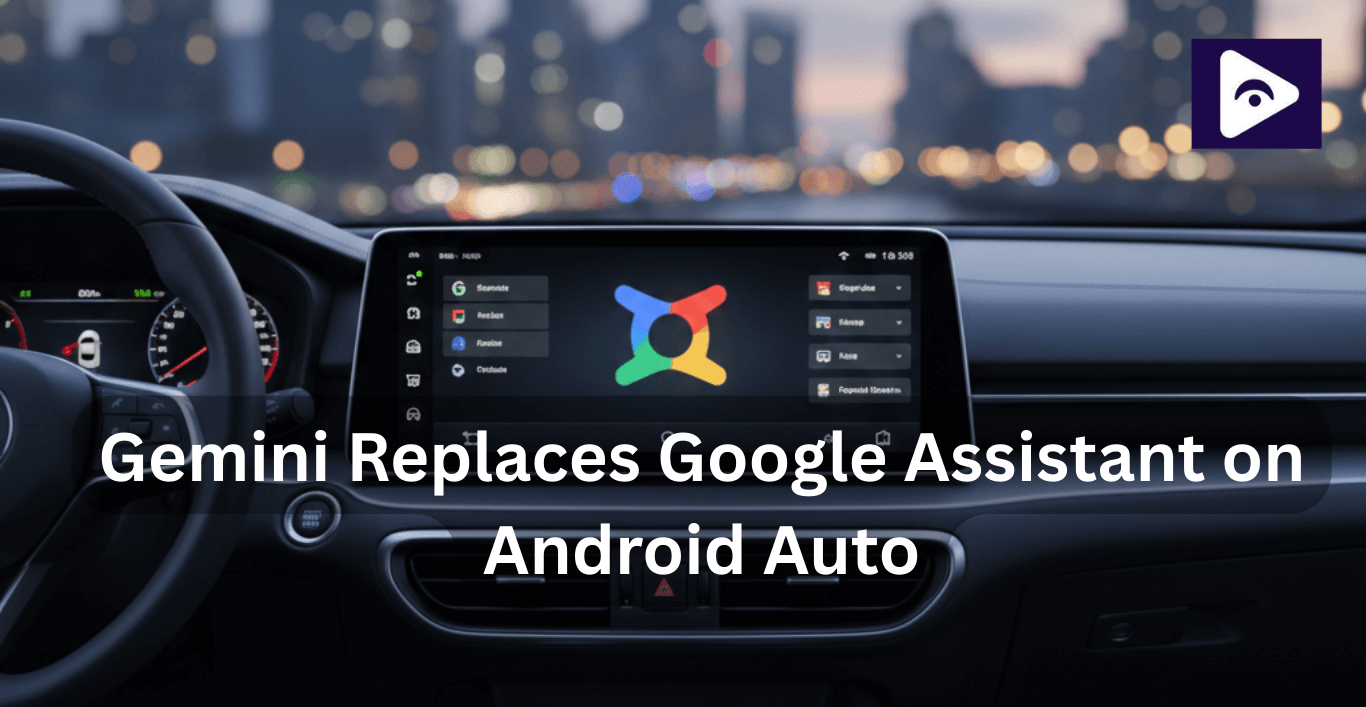
Android Auto is undergoing one of its biggest updates yet. Google Assistant is being replaced by Gemini, Google’s new AI powered assistant, which completely changes how the system understands and responds to voice commands. This affects navigation, calls, music, and hands free controls. Drivers who use third-party apps like Fermata Auto, which streams YouTube, Netflix, and other media directly on the car screen, may notice changes in voice commands and media playback.
Here’s everything you need to know about Gemini and its impact on Android Auto.
What is Gemini on Android Auto?
Gemini is Google’s next generation AI assistant, designed to be more intelligent, conversational, and context aware than Google Assistant.
On Android Auto, Gemini replaces Google Assistant in the background. You still say “Hey Google”, but the response now comes from Gemini’s AI system.
In practical use, this means:
- Fewer rigid commands.
- More natural conversations.
- Smarter follow-up understanding.
Instead of giving short, exact instructions, you can speak naturally the way you would to a passenger.
Why Google is replacing Google Assistant
Google Assistant has served Android Auto users for years, but AI technology has moved faster. Users expect AI to understand intent, context, and follow-up questions especially while driving.
Gemini allows Google to:
- Make Android Auto more conversational.
- Reduce distractions while driving.
- Handle complex requests in a single command.
- Prepare Android Auto for future AI-powered features.
For example, instead of giving multiple commands like:
“Navigate to the nearest coffee shop.”
“Avoid heavy traffic.”
You can simply say:
“Find a coffee shop on my route that’s open now and avoid heavy traffic.”
Gemini understands the full request in one go.
How Gemini affects Fermata Auto users
Fermata Auto is a popular third-party Android Auto app that allows:
- Streaming YouTube videos.
- Watching Netflix and other video platforms.
- Playing music and movies directly on your car screen.
With Gemini:
- Voice commands may behave differently.
- Some shortcuts may not work initially.
- Updates from Fermata Auto developers may improve compatibility.
Tips for Fermata Auto users:
Here are some simple ways to keep your experience smooth:
- Keep the app updated - This ensures you have the latest fixes.
- Test your voice commands - See which ones work differently and adjust accordingly.
- Follow Fermata Auto updates - The developers often share tips, fixes, and workarounds. A little attention now goes a long way in avoiding frustration later.
If you use third-party apps on Android Auto, Fermata Auto is one of the most popular options for streaming media directly on your car display. As Gemini rolls out, keeping Fermata Auto updated ensures better compatibility with new voice commands and Android Auto features.
Key Features of Gemini on Android Auto
- Voice Commands That Feel Human
One of the best things about Gemini is that it understands natural speech. You don’t need to memorize exact commands anymore.
For example, you can say:
- “Find parking nearby.”
- “Play relaxing music for this drive.”
- “Call the last person I spoke to.”
It’s like having a co-pilot who actually gets what you mean.
- Smarter Navigation
Gemini makes navigation smoother and less stressful. It can:
- Suggest alternate routes automatically.
- Handle follow-up questions without restarting directions.
- Integrate better with media apps like Fermata Auto.
This means fewer interruptions and more focus on the road ahead.
- Calls and Messaging Made Easy
Gemini handles messages and calls more intelligently. It can:
- Summarize long messages.
- Suggest quick replies.
- Understand the context when responding.
This keeps your hands on the wheel and eyes on the road.
- Remembering Context
One of Gemini’s coolest features is its memory. If you say:
- “Navigate to downtown.”
- “Find parking near there.”
Gemini knows exactly what “there” means. No repeating yourself, no extra commands. It’s a small change, but it makes interactions feel smooth and natural something Google Assistant struggled with.
Gemini vs Google Assistant on Android Auto
| Feature | Google Assistant | Gemini |
|---|---|---|
| Voice Understanding | Command-based, limited flexibility | Advanced natural language understanding |
| Conversation Flow | One command at a time | Supports follow-up and multi-step conversations |
| Context Awareness | Minimal memory of past commands | Remembers intent and previous requests |
| Navigation Assistance | Basic navigation and rerouting | Smarter, context-aware routing |
| Message Handling | Reads messages only | Summarizes messages and suggests replies |
| Media Control | Simple play and pause commands | Understands detailed media requests |
| Third-Party App Support | Limited | Improving (apps like Fermata Auto may need updates) |
| AI Capabilities | Rule-based responses | AI-powered reasoning and understanding |
| Availability | Being phased out | Rolling out as the default assistant |
Important Things Users Should Know
Privacy and How Data Is Used
Gemini works by understanding how people talk, not just what they say. To do that, it listens a bit more carefully and uses context from your conversation to give better answers.
Phone Performance and Battery
If you’re using a newer phone, you probably won’t feel any difference at all. Battery life stays about the same, and everything runs smoothly.
On older devices, there might be a small increase in processing, especially when using voice commands often. This usually improves over time as Gemini gets better optimized with updates.
What This Means for Other Android Auto Apps
Gemini doesn’t decide which apps you can install that part stays the same. What it does control is how voice commands work. Because of that, some commands for third-party apps may respond differently than before.
Gemini Pros & Cons on Android Auto
| Pros | Cons |
|---|---|
| More natural and conversational voice commands | Learning curve for long-time Google Assistant users |
| Understands follow-up questions and context | No option to permanently switch back to Google Assistant |
| Smarter navigation and route suggestions | Early rollout may include bugs or inconsistencies |
| Improved message handling with summaries and smart replies | Some third-party apps may need updates for full compatibility |
| Reduces screen interaction while driving | May feel slower on older Android devices |
| AI-powered responses for complex commands | Higher data processing compared to Google Assistant |
Frequently Asked Questions
- What exactly is Gemini in Android Auto?
Gemini is Google’s newer voice assistant that’s taking the place of Google Assistant. It’s built to understand natural speech better and remember context during conversations, which makes voice commands feel more fluid while driving.
- How do I turn Gemini on?
You don’t need to do anything special. Once your phone and Android Auto are updated, Gemini replaces Google Assistant automatically. You still activate it the same way, by saying “Hey Google.”
- Can I switch back to Google Assistant?
No. Once Gemini is rolled out to your device, it becomes the default assistant in Android Auto. There isn’t an option to go back to the old Assistant.
- Does Gemini change how Fermata Auto works?
In some cases, yes. Certain voice commands may behave a little differently at first. This is expected, and Fermata Auto developers are likely to release updates to improve compatibility.
- Is Gemini safe to use while driving?
Yes. Gemini is designed to reduce distractions. It can summarize messages, understand casual voice commands, and handle tasks without requiring you to touch the screen.
- Will Gemini affect battery life or phone performance?
On most modern phones, the impact is barely noticeable. Older devices may experience slightly higher processing use, especially during frequent voice interactions.
- When will Gemini be available for everyone?
Gemini is rolling out gradually. A full replacement of Google Assistant across Android Auto is expected to happen between 2025 and 2026.
- How does Gemini make navigation better?
Gemini understands follow up questions, offers smarter route suggestions, and reacts more naturally than Google Assistant. You don’t need to repeat yourself or restart navigation as often.
![How to Watch Prime Video on Android Auto in 2026[Using Fermata Auto]](/content/images/size/w600/2026/01/Add_a_heading_1.png)