
Gemini replaces Google Assistant on Android Auto

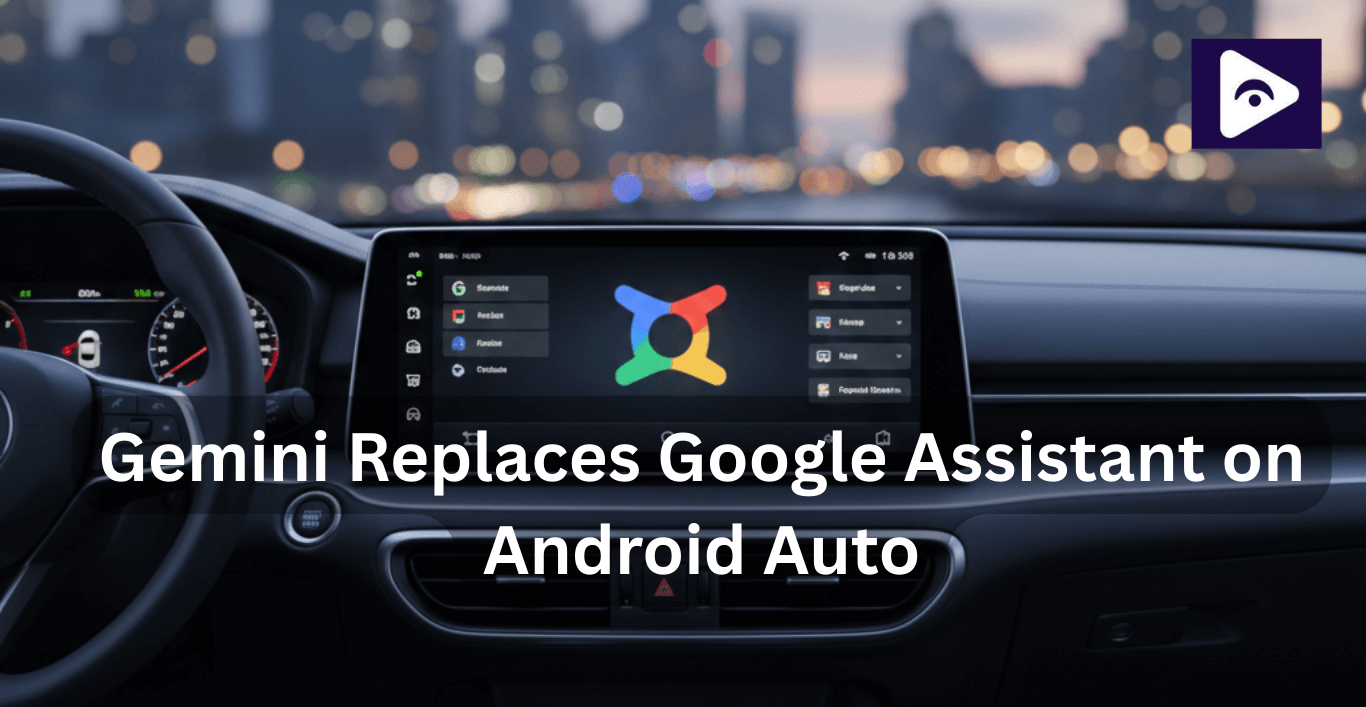
Android Auto is going through one of its biggest changes ever. Google Assistant is officially being replaced by Gemini, Google’s new AI powered assistant. This update completely changes how voice commands work in your car from navigation and calls to music playback and third-party apps like Fermata Auto.
If you’re wondering how to enable Gemini on Android Auto, what it can actually do, and how it affects apps like Fermata Auto, this guide covers everything in one place.
What is Gemini on Android Auto?
Gemini is Google’s next generation AI assistant, designed to understand natural language, follow up questions, and context far better than Google Assistant.
On Android Auto:
- You still say “Hey Google”.
- But Gemini now handles the request in the background.
- Responses feel more human, flexible, and intelligent.
Instead of rigid commands, you can speak naturally just like talking to a passenger.
How to Enable Gemini on Android Auto (Step-by-Step)
Step 1: Open the Gemini app on your Android phone.
Step 2: Tap your profile icon.
Step 3: Go to Settings.
Step 4: Open Google Assistant features in Gemini.
Step 5: Make sure Android Auto is toggled ON.
Step 6: Connect your phone to your car.
Gemini will now handle your Android Auto voice commands automatically.
Note: You don’t need to uninstall Google Assistant. Gemini replaces it once enabled.
Why Google is replacing Google Assistant
Google Assistant has served Android Auto users for years, but AI technology has moved faster. Users expect AI to understand intent, context, and follow-up questions especially while driving.
Gemini allows Google to:
- Make Android Auto more conversational.
- Reduce distractions while driving.
- Handle complex requests in a single command.
- Prepare Android Auto for future AI-powered features.
For example, instead of giving multiple commands like:
“Navigate to the nearest coffee shop.”
“Avoid heavy traffic.”
You can simply say:
“Find a coffee shop on my route that’s open now and avoid heavy traffic.”
Gemini understands the full request in one go.
Key Features of Gemini on Android Auto
- Voice commands that feel human.
One of the best things about Gemini is that it understands natural speech. You don’t need to memorize exact commands anymore.
For example, you can say:
- “Find parking nearby.”
- “Play relaxing music for this drive.”
- “Call the last person I spoke to.”
It’s like having a co pilot who actually gets what you mean.
- Smarter navigation.
Gemini makes navigation smoother and less stressful. It can:
- Suggest alternate routes automatically.
- Handle follow-up questions without restarting directions.
- Integrate better with media apps like Fermata Auto.
This means fewer interruptions and more focus on the road ahead.
- Calls and messaging made easy.
Gemini handles messages and calls more intelligently. It can:
- Summarize long messages.
- Suggest quick replies.
- Understand the context when responding.
This keeps your hands on the wheel and eyes on the road.
- Remembering context.
One of Gemini’s coolest features is its memory. If you say:
- “Navigate to downtown.”
- “Find parking near there.”
Gemini knows exactly what “there” means. No repeating yourself, no extra commands. It’s a small change, but it makes interactions feel smooth and natural something Google Assistant struggled with.
Gemini vs Google Assistant on Android Auto
| Feature | Google Assistant | Gemini |
|---|---|---|
| Voice Understanding | Command-based | Natural conversation |
| Follow-up Requests | Limited | Fully supported |
| Context Awareness | Minimal | Strong memory |
| Navigation Assistance | Basic rerouting | Smarter, intent-based routing |
| Message Handling | Reads messages only | Summaries & smart replies |
| Media Control | Play / pause commands | Detailed media requests |
| Third-party App Support | Limited compatibility | Improving with updates |
| AI Intelligence | Rule-based system | AI-powered reasoning |
Gemini on Android Auto – Pros, Cons & Known Limitations
| Pros | Cons / Limitations |
|---|---|
| More natural and conversational voice commands | Learning curve for long-time Google Assistant users |
| Understands follow-up questions and context | No permanent option to switch back to Google Assistant |
| Smarter navigation and route suggestions | Early rollout may include bugs or inconsistencies |
| Improved message handling with summaries and smart replies | Some third-party voice shortcuts may fail |
| Reduces screen interaction while driving | Limited radio and FM controls |
| AI-powered responses for complex commands | Cannot control vehicle climate (AC, temperature) |
| Smarter understanding of user intent | May feel slower on older Android devices |
| Future-ready AI assistant for Android Auto | Higher data processing than Google Assistant |
These limitations are expected to improve as Gemini updates continue rolling out.
How Gemini affects Fermata Auto users
Fermata Auto is a popular third-party Android Auto app that allows:
- Streaming YouTube videos.
- Watching Netflix and other video platforms.
- Playing music and movies directly on your car screen.
With Gemini:
- Voice commands may behave differently.
- Some shortcuts may not work initially.
- Updates from Fermata Auto developers may improve compatibility.
Tips for Fermata Auto users:
Here are some simple ways to keep your experience smooth:
- Keep the app updated - This ensures you have the latest fixes.
- Test your voice commands - See which ones work differently and adjust accordingly.
- Follow Fermata Auto updates - The developers often share tips, fixes, and workarounds. A little attention now goes a long way in avoiding frustration later.
If you use third-party apps on Android Auto, Fermata Auto is one of the most popular options for streaming media directly on your car display. As Gemini rolls out, keeping Fermata Auto updated ensures better compatibility with new voice commands and Android Auto features.
Troubleshooting: Gemini Not Showing on Android Auto?
If Gemini isn’t appearing, try this:
- Update Android Auto.
- Update the Gemini app.
- Check that Android Auto is enabled inside Gemini settings.
- Restart your phone and reconnect your car.
- Ensure your device is supported (older phones may delay rollout).
Frequently Asked Questions
- Can Gemini read WhatsApp messages on Android Auto?
Yes. Gemini can read, summarize, and help reply to WhatsApp messages while driving.
- Does Gemini work with Google Maps?
Yes. Google Maps works fully with Gemini, including smarter routing and follow ups.
- Can I switch back to Google Assistant?
No. Once Gemini is enabled, it becomes the default assistant.
- Does Gemini affect Fermata Auto?
Yes. Some voice commands may change, but updates improve compatibility.
- Is Gemini safe to use while driving?
Yes. Gemini is designed to reduce distractions through voice first interaction.
- Will Gemini drain battery?
On modern phones, the impact is minimal. Older devices may notice slight increases.
![How to Watch Prime Video on Android Auto in 2026[Using Fermata Auto]](/content/images/size/w600/2026/01/Add_a_heading_1.png)